
Image to Video AI: Turn Photos into Amazing Viral Videos Fast Online
Our image to video AI helps everyone create amazing videos from photos in seconds. Turn a single image into a cinematic clip, a cute animated memory, a product promo, or a social-ready Reel—without timelines, keyframes, or complicated apps.
Drag or drop your image here to upload
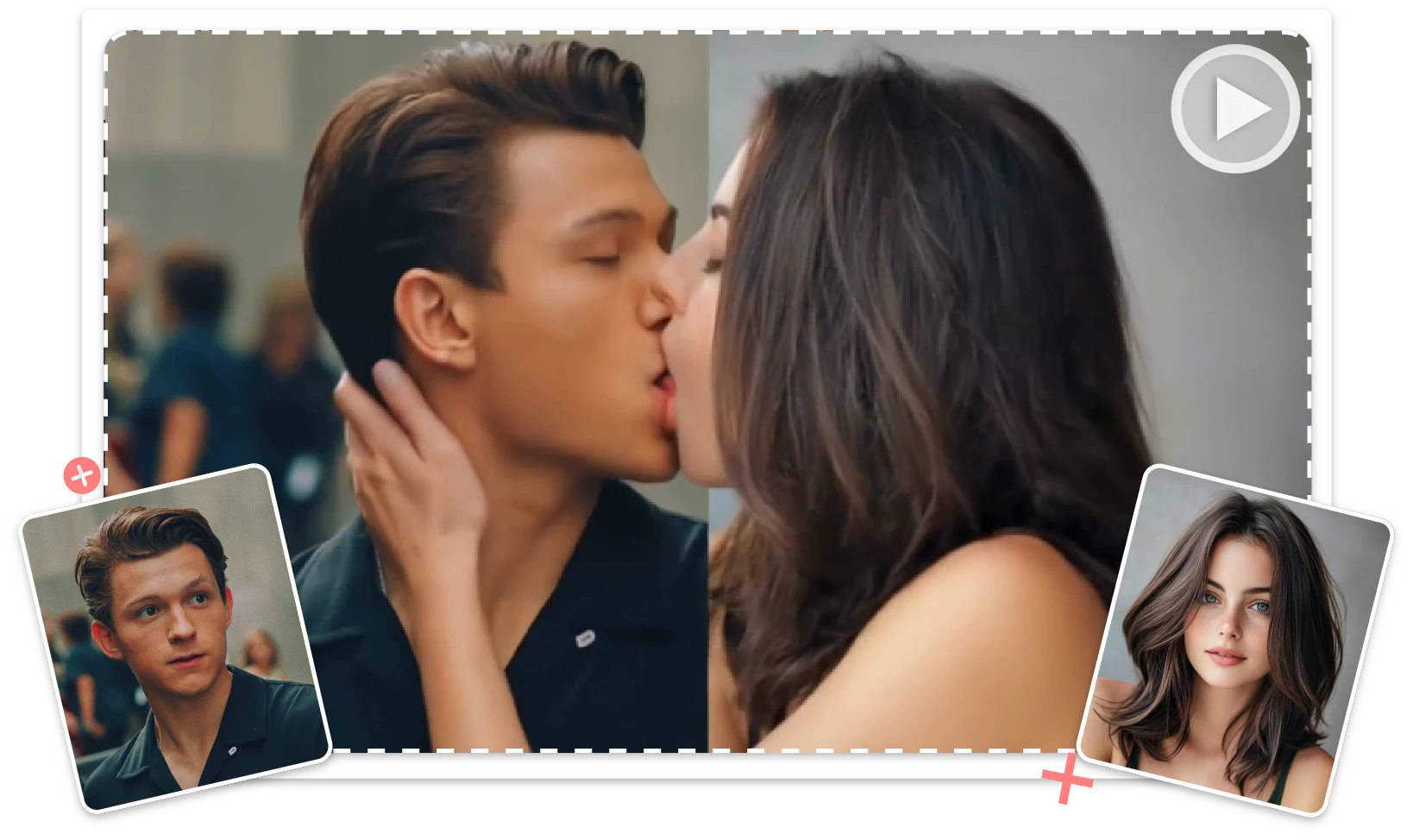
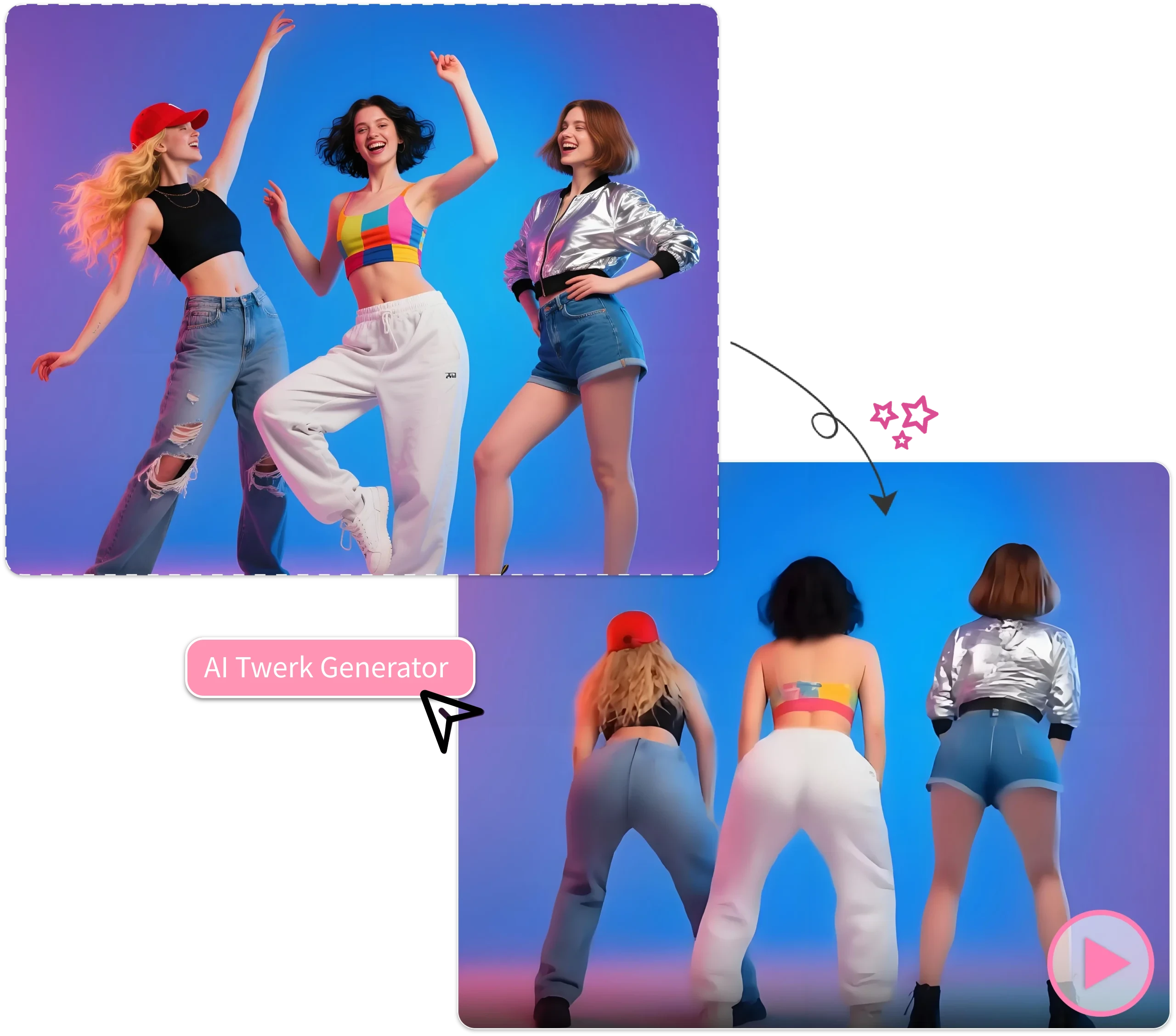
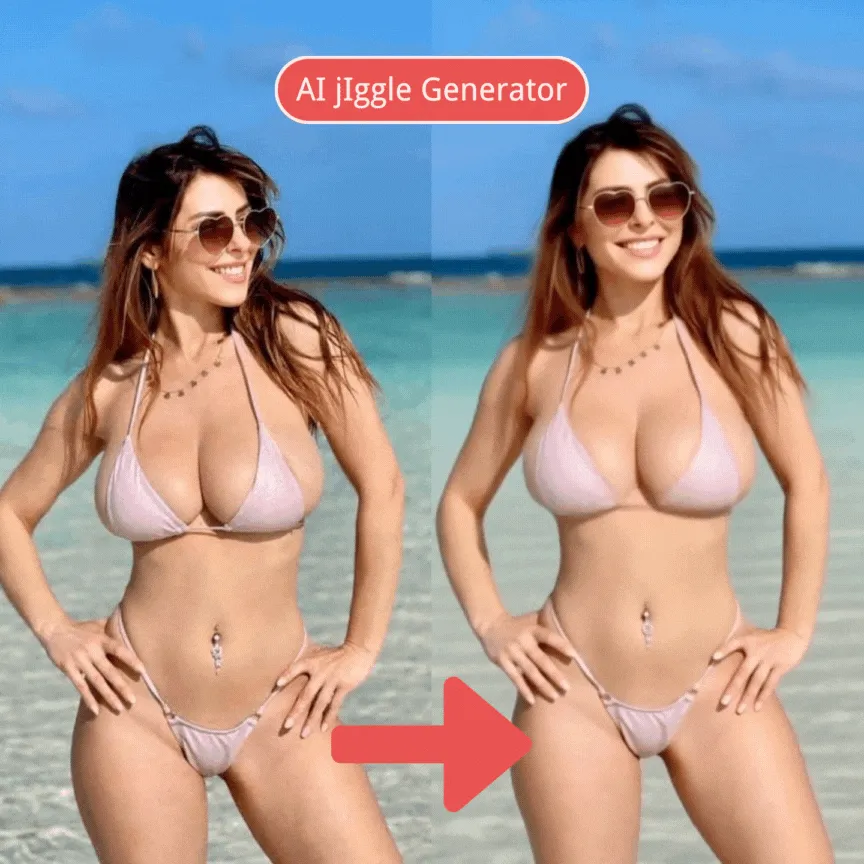
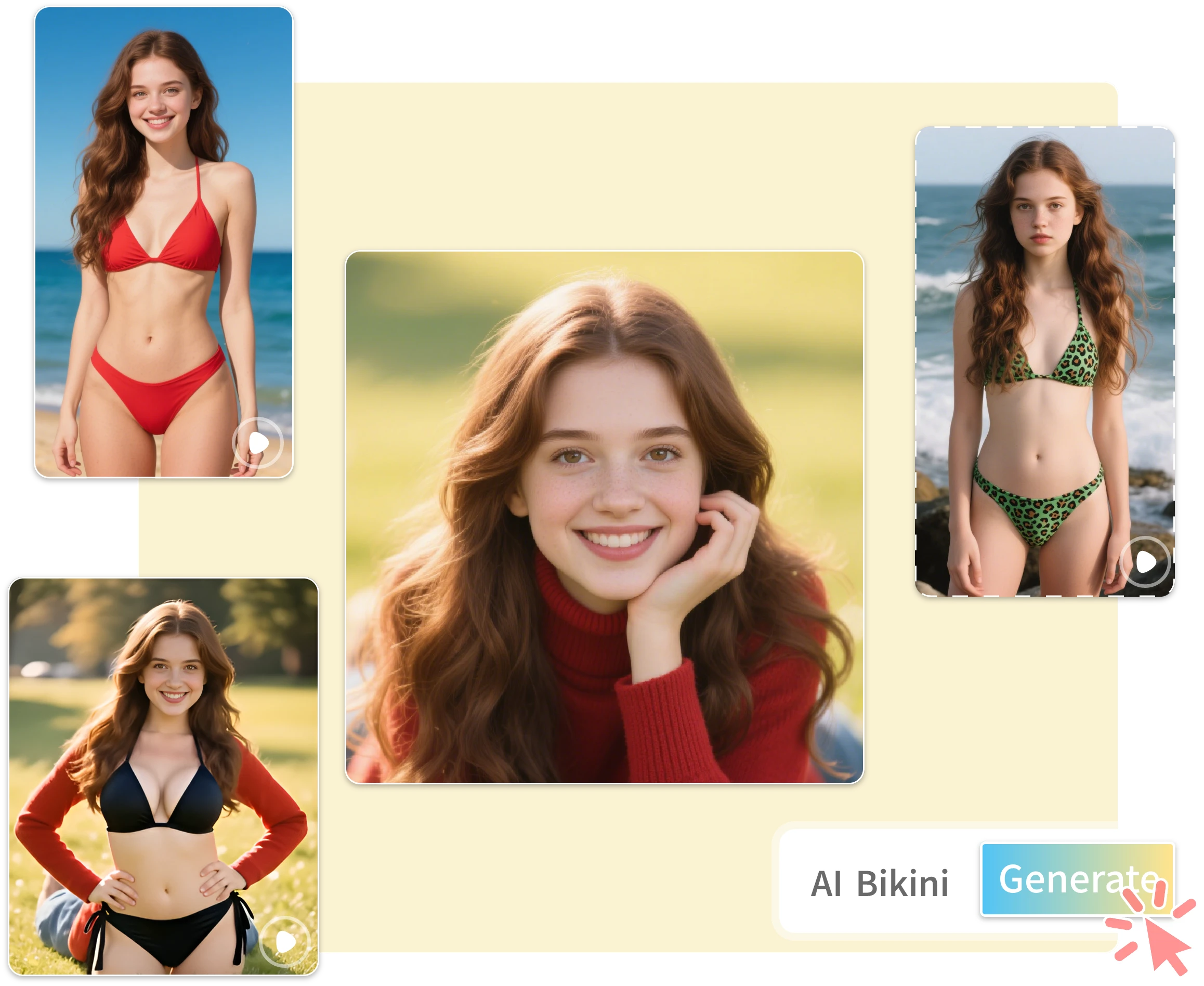
How to Use Image to Video AI in 3 Simple Steps
With image to video AI, it only takes three simple steps to turn a still image into a share-ready video.
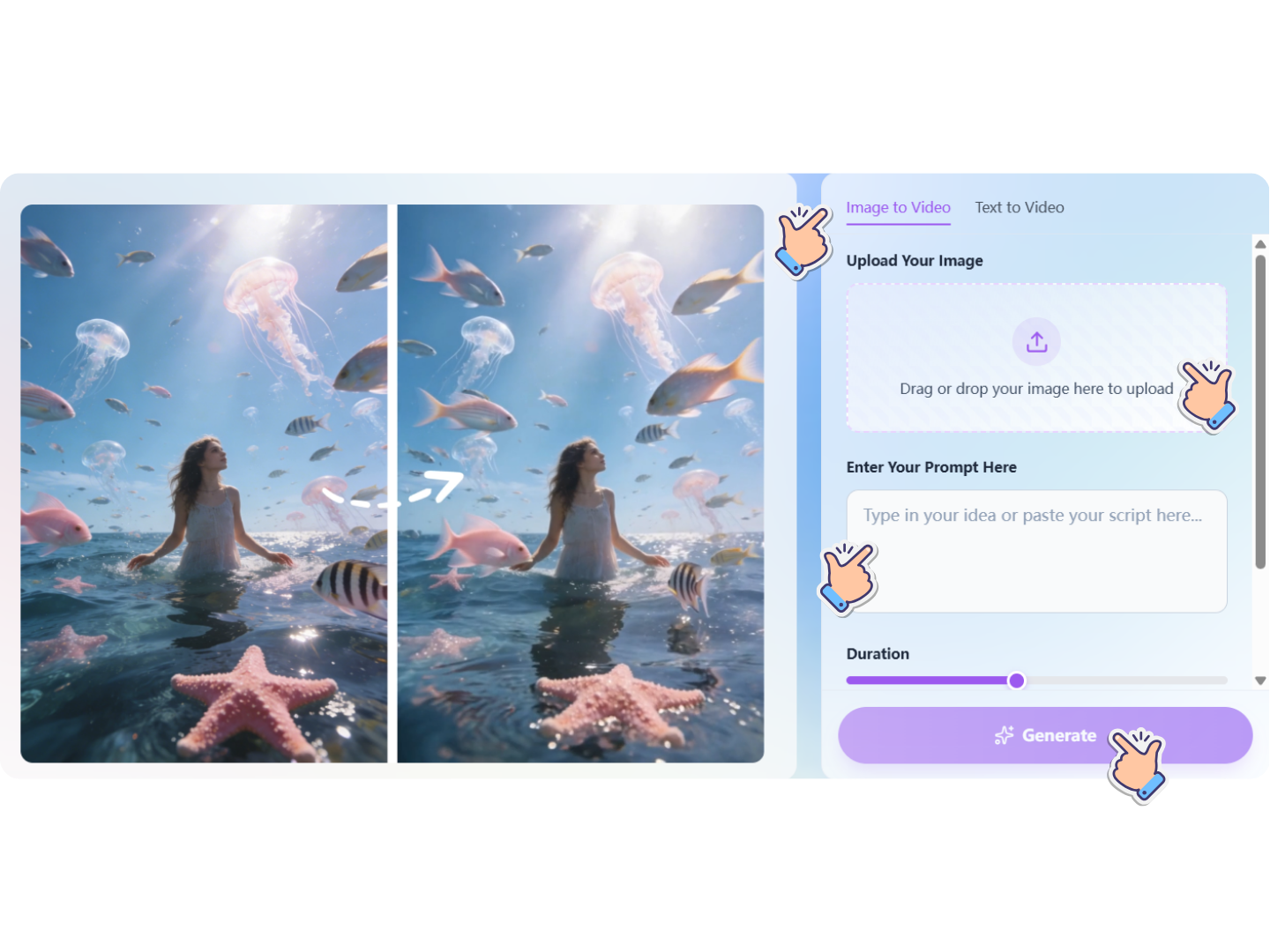
Step 1: Upload Your Image
Start with a clear photo or graphic—product shots, portraits, travel images, artwork, or brand visuals. Our image to video AI supports common formats and works best with high-resolution images.
Step 2: Enter Your Prompt
You can add a description to guide the AI image to video generator toward a certain vibe. And set the duration and resolution according to the video content you want to generate.
Step 3: Generate & Download
Our image to video AI will generate the video you want based on your input prompt. You can download and use the generated video anywhere, without a watermark.
Why Choose Our Image to Video AI?
With image to video AI, one great image can become an entire library of fast, secure, and brand-ready videos.
Fast Results
Our image to video AI generates clips in seconds, helping you publish faster for social posts, ads, and campaigns. Create multiple variations quickly, compare styles, and iterate without long editing cycles. This AI image to video generator is built for speed and daily production.
High-Quality Motion
Good image to video AI should look smooth and stable. Our AI image to video focuses on clean motion and consistent details, so faces, products, and brand visuals stay recognizable. Choose subtle pans or zooms and get outputs that feel cinematic and marketing-ready.
Privacy First
We treat your uploads with care. Your content in image to video AI should be used only to generate your results—especially important for personal photos and client assets. A trustworthy AI image to video generator prioritizes minimal retention and respects your creative ownership.
Secure by Design
Security is essential for any AI tool. Our image to video AI is designed for safe processing, helping reduce risk when you generate content for business or clients. Even when using image to video AI free, you should expect reliable, protected handling.
Browser-Based, No Downloads
Our image to video AI runs directly in your browser, so you don’t need to install or update any software. Open the page, upload an image, and generate instantly. This AI image to video generator is perfect for teams who want a lightweight workflow and creators who work across multiple devices.
Simple Workflow
No editing skills needed: upload, generate, export. image to video AI keeps creation easy for beginners and teams, while still supporting quick regeneration and variation testing. This AI image to video generator removes complexity from motion content.
Use Cases: Where the Image to Video AI Shines
Social Growth with Image to Video AI for Reels, Shorts, Tik Tok
Campaign Posters to Clips with Image to Video AI Free
Paid Ads with an AI Image to Video Generator for Creative Refresh
Image to Video AI Free for Seasonal Campaigns & Holiday Promos
Social Growth with Image to Video AI for Reels, Shorts, Tik Tok
Campaign Posters to Clips with Image to Video AI Free
Paid Ads with an AI Image to Video Generator for Creative Refresh
Image to Video AI Free for Seasonal Campaigns & Holiday Promos
FAQs: Everything About Image to Video AI
Below are the most common questions creators ask before switching to use Image to Video AI.
What Users Say About Our Image to Video AI
Real creators and teams use image to video AI to move faster, test more, and publish better content—without adding complexity.
Maya Kim
Performance Marketing Manager
"Image to video AI helped us refresh creatives fast. We turn one product photo into multiple clips with different motion styles, then test ads in days instead of weeks. The AI image to video generator is simple enough for my team, and outputs look clean for paid social. It’s become our go-to for weekly creative rotation."

Daniel Brooks
Ecommerce Founder
"I needed image to video AI that doesn’t slow me down. Upload a product shot, pick a style, generate, export—done. I tried image to video AI free tools before, but this free image to video AI flow feels more consistent. AI image to video makes my store look more modern without hiring extra editors."
Aisha Patel
Social Media Strategist
"With image to video AI, we repurpose campaign images into short clips that feel native on Reels and Shorts. The motion is smooth and subtle, which helps retention. The AI image to video generator also gives us quick variations for hooks and pacing. I can build a week of content from a single shoot."
Ethan Rivera
Freelance Creative Producer
"Clients want more video but not bigger budgets. Image to video AI lets me animate posters, portraits, and product shots into professional-looking clips. I start with image to video AI free to preview options, then scale once we lock the direction. This AI image to video generator speeds up delivery and keeps feedback cycles short."
Start Creating with Image to Video AI Today!
If you’re ready to turn still images into videos that look modern, polished, and platform-ready, start now with image to video AI and see the results immediately.