
Remove Gemini Watermark for Clean, Natural AI Images
Remove AI image watermarks in a smooth workflow built for speed and clarity. Upload, process, and download polished visuals that look natural, detailed, and ready for personal or professional use.
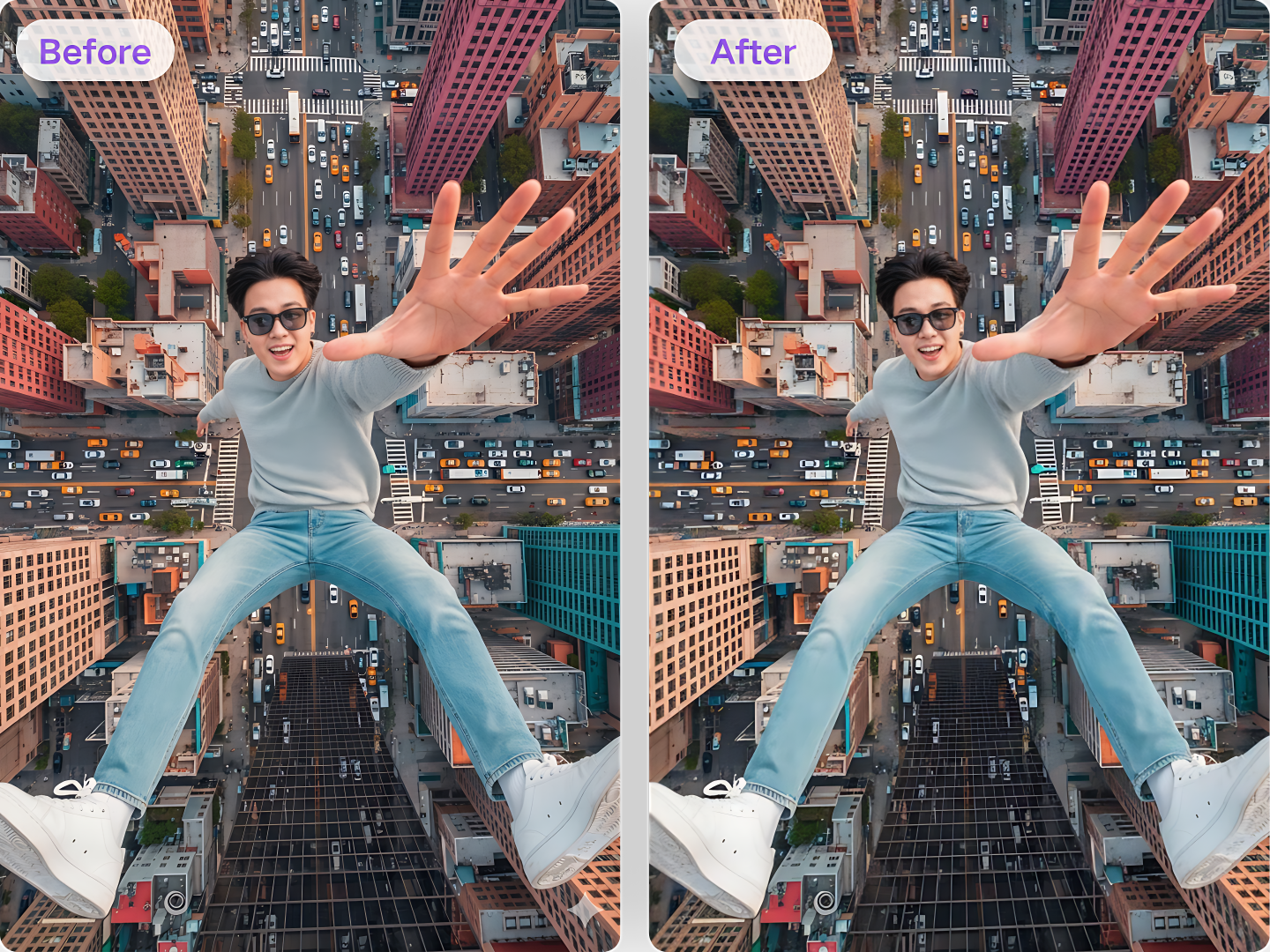
Drag or drop your image here to upload
Supported formats:
JPGJPEGPNGWEBPHow to Use Remove Gemini Watermark Online
If you want a workflow that feels fast and clear, this tool keeps the process simple.
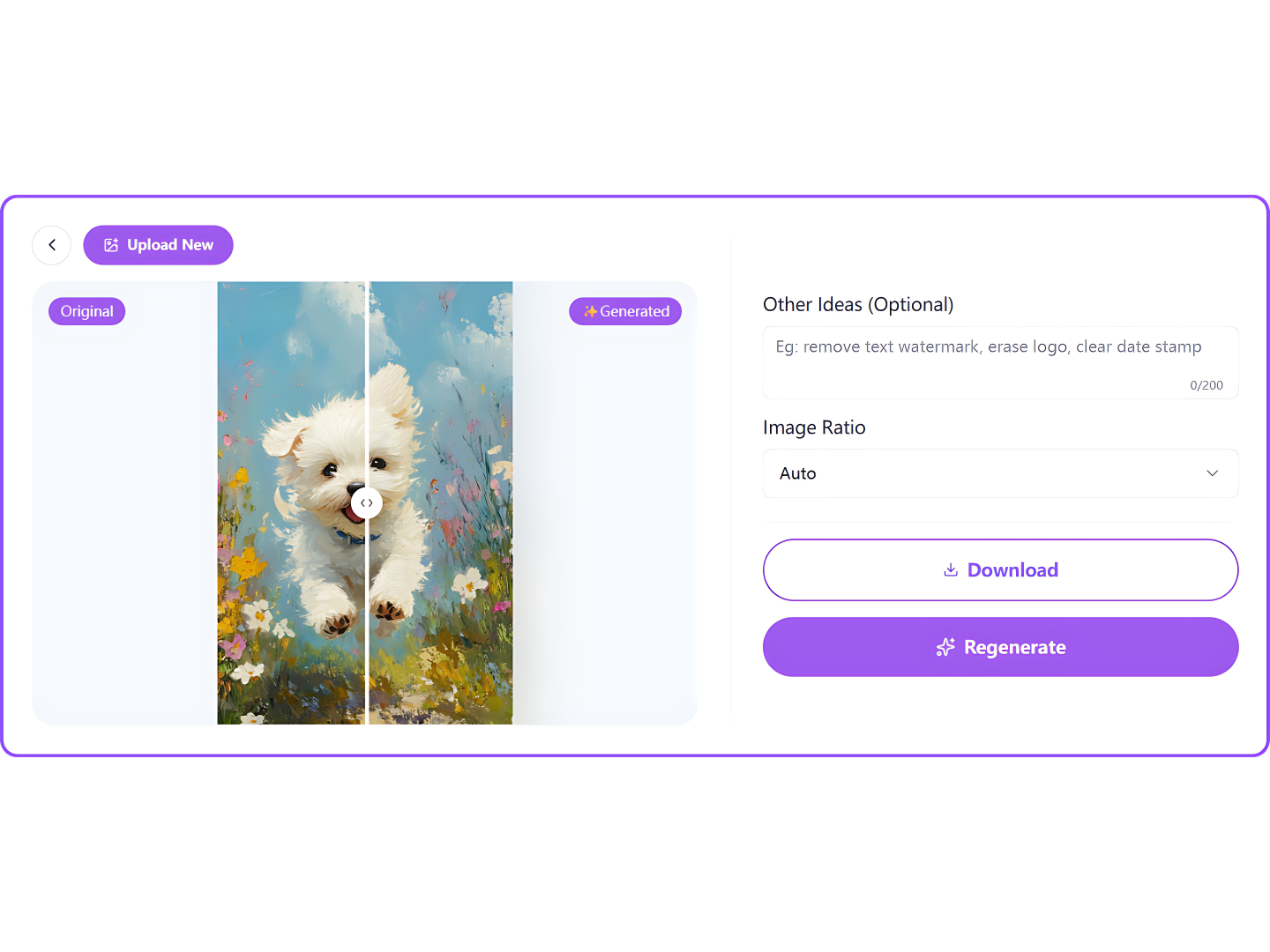
Upload Your Gemini Image
Add the file you want to clean from your device. The tool prepares the image quickly so you can remove the badge without extra setup or editing.
Let AI Clean the Badge
Start the process and let the model detect the marked area, repair textures, and preserve details for a more natural watermark-free image.
Download the Final Result
Save your cleaned file in seconds and use it for drafts, mood boards, posts, or client work with a smoother and more polished visual finish.
Best Use Cases for Remove Gemini Watermark in Daily Workflows
From social posts to presentation slides, discover how cleaner Gemini images can improve creative, educational, and professional projects.
When a generated image fits your concept but the badge breaks the look, use the tool to create cleaner visuals for posts, covers, carousels, and quick campaign drafts online.
Designers can remove Gemini watermark from references, concept frames, and layout ideas before sharing internal drafts, building decks, or refining directions with coworkers.
Use cleaned images in strategy decks, campaign mockups, landing page ideas, and pitch materials when you want visuals that feel more polished and easier for teams to review.
Writers and editors can prepare cleaner supporting graphics for articles, newsletters, and guides, making drafts look more organized before final image sourcing is completed.
Teachers and students can create tidier handouts, slides, and visual explainers when AI-generated imagery is part of a lesson, project summary, or educational presentation.
If you collect visual inspiration for hobbies, rooms, outfits, or creative planning, cleaner images help your boards feel more coherent, polished, and easier to revisit later.

Key Features of Remove Gemini Watermark AI
Remove Gemini Watermark with Natural Texture Repair
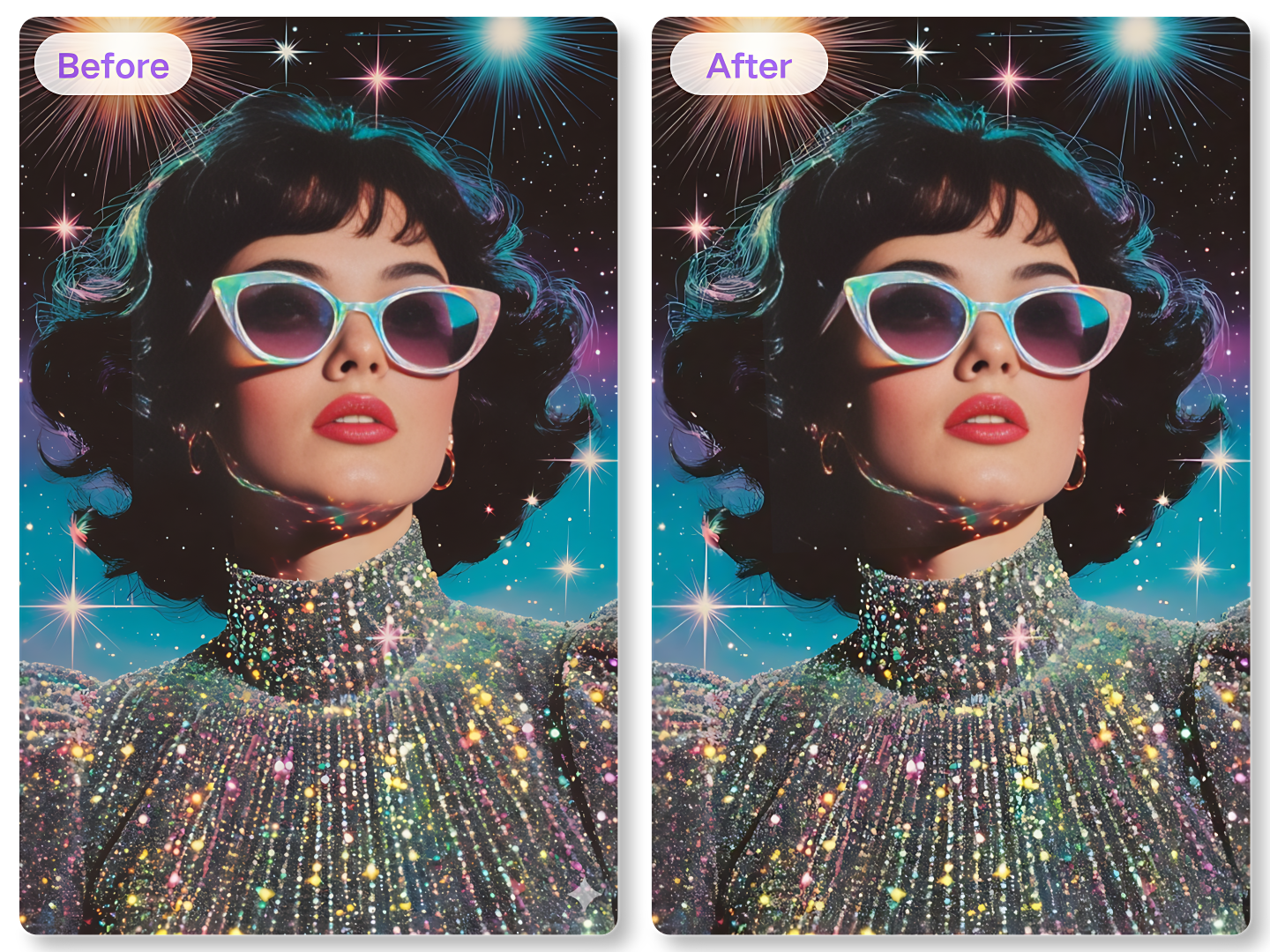
Remove Gemini Watermark AI for Better Detail
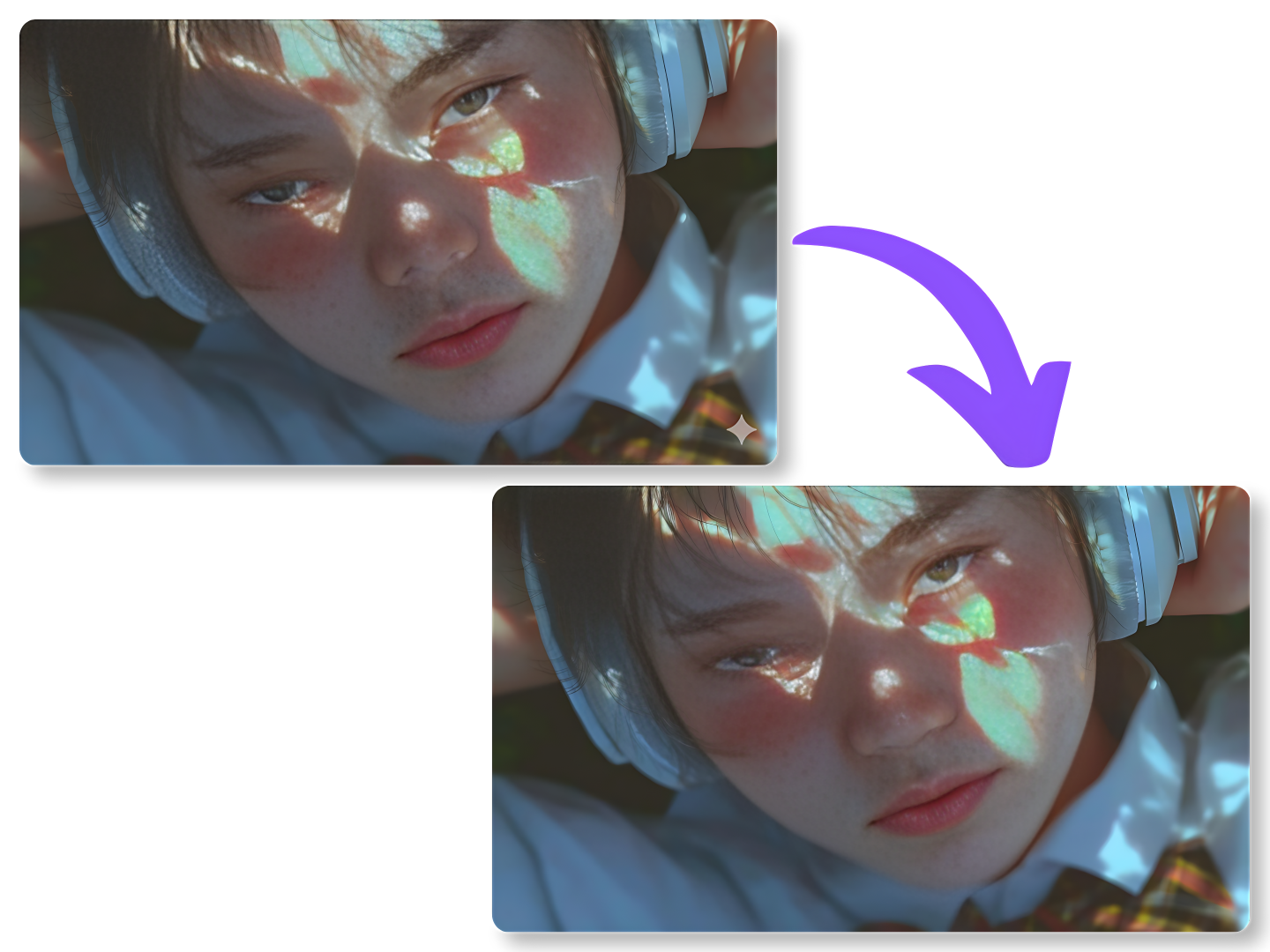
Remove Gemini Watermark Online in Seconds
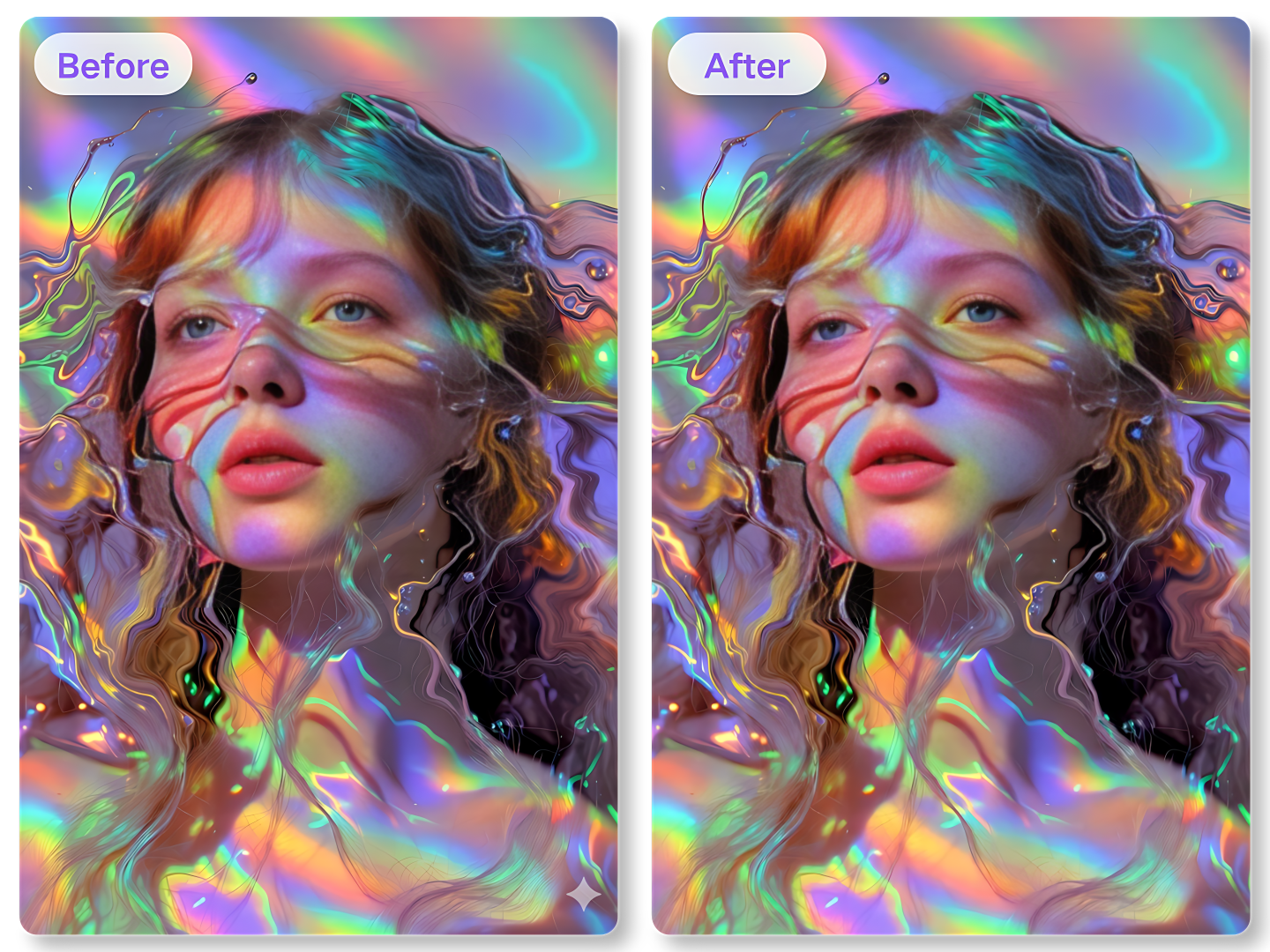
How to Remove Gemini Watermark without Stress
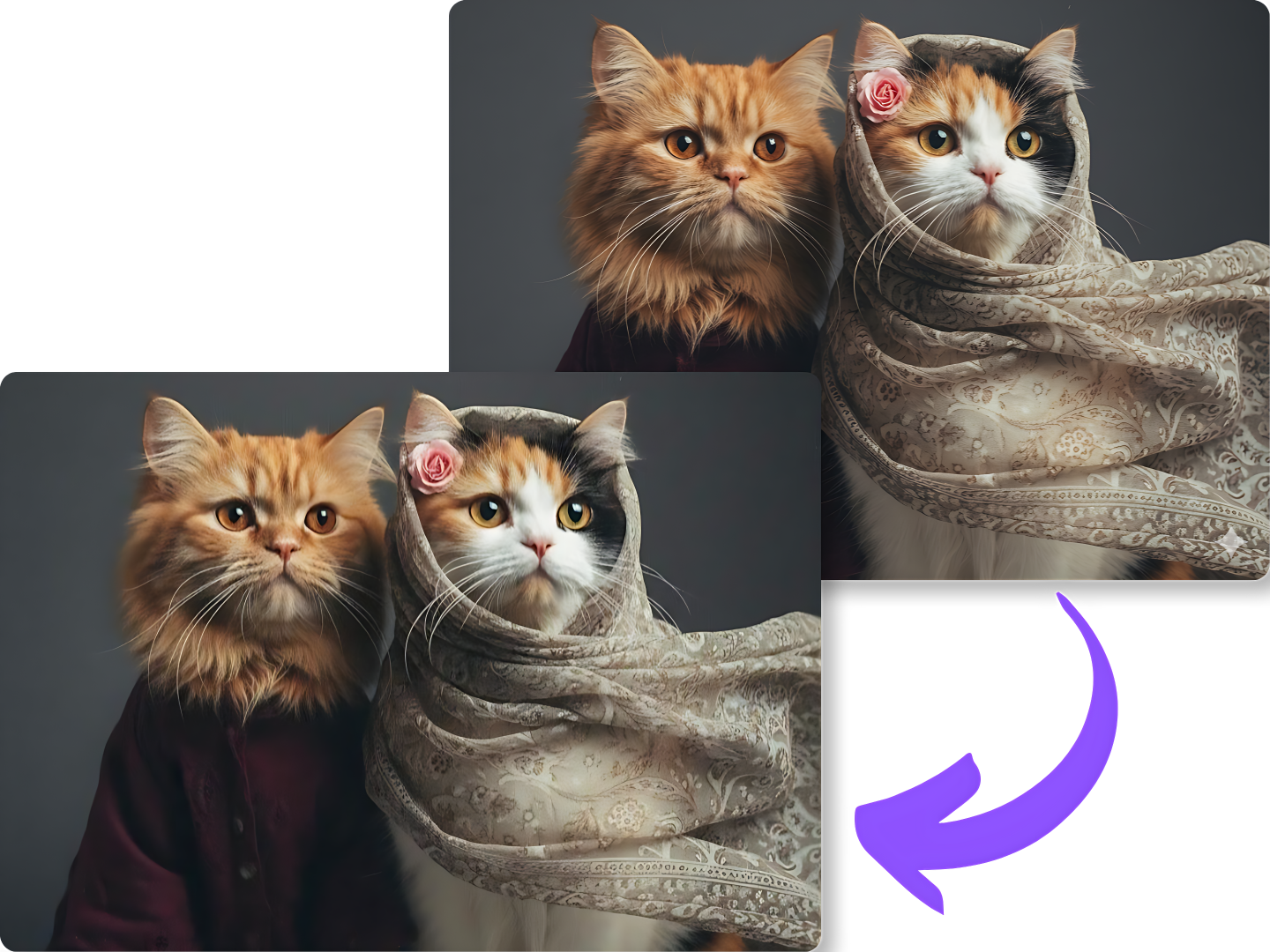
Remove Gemini Watermark with Natural Texture Repair
Remove Gemini Watermark AI for Better Detail
Remove Gemini Watermark Online in Seconds
How to Remove Gemini Watermark without Stress
Why Choose Our Remove Gemini Watermark Online Tool
Built for speed, simplicity, and cleaner image output, this tool helps you improve AI visuals with less effort and more confidence.
Fast Daily Cleanup
Clean marked images quickly with a smooth process that helps you move from raw AI output to a ready-to-use visual in far less time.
Sharp Image Repair
Repairs focus on keeping textures and edges looking balanced, so the cleaned area blends more naturally with the rest of the image.
Beginner Friendly Flow
The interface is easy to understand, making remove Gemini watermark tasks simple for first-time users and regular creators alike today.
Private Browser Access
Use the tool online with a direct workflow that feels simple and efficient, whether you are cleaning one image or several drafts now.
Flexible Creative Use
From pitch decks to mood boards, the tool adapts to many workflows and helps make AI visuals more usable across different tasks daily.
Reliable Visual Finish
Each result is optimized for a cleaner final look, helping you present ideas with fewer distractions and a more polished feel overall.
Frequently Asked Questions about Remove Gemini Watermark
Learn more about remove Gemini watermark free, remove Gemini watermark AI, and how to remove Gemini watermark with simple answers.
Real User Reviews on Remove Gemini Watermark Online
See how creators, marketers, designers, and teams use remove Gemini watermark online to clean visuals and speed up their workflows.

Sophia B.
Brand Designer
"I often need cleaner AI visuals for draft presentations and campaign mockups. This tool helps me remove distracting badges fast, and the repaired areas usually blend in much better than I expected."

Marcus L.
Social Media Manager
"I use generated images for content planning, and this workflow makes cleanup much easier. It feels quick, simple, and reliable when I need polished visuals for posts, covers, and creative drafts."

Chloe R.
UX Research Assistant
"We use AI images in early concept boards, and this tool saves a lot of editing time. The final results look smoother, more natural, and much easier to place into slides and research summaries."

Nathan C.
Startup Founder
"I wanted something easy for non-designers in my team, and this worked well. The process is direct, the image quality stays strong, and cleaned visuals look far more presentable in team reviews."
Sophia B.
Brand Designer
"I often need cleaner AI visuals for draft presentations and campaign mockups. This tool helps me remove distracting badges fast, and the repaired areas usually blend in much better than I expected."
Ready to Remove Gemini Watermark?
Turn marked AI images into cleaner, more usable visuals with a workflow built for speed, simplicity, and better presentation quality. Start now and make every draft look more polished.