
Deepfake AI: Numerous Trending AI Image and Video Tools All in One Place
Meet Deepfake Maker, a practical deepfake AI tool built for anyone who wants high-impact visuals without complicated software. From AI deepfake face swap to photo editor and smooth image to video AI, this deepfake AI workflow is designed to be simple, free, and fast.
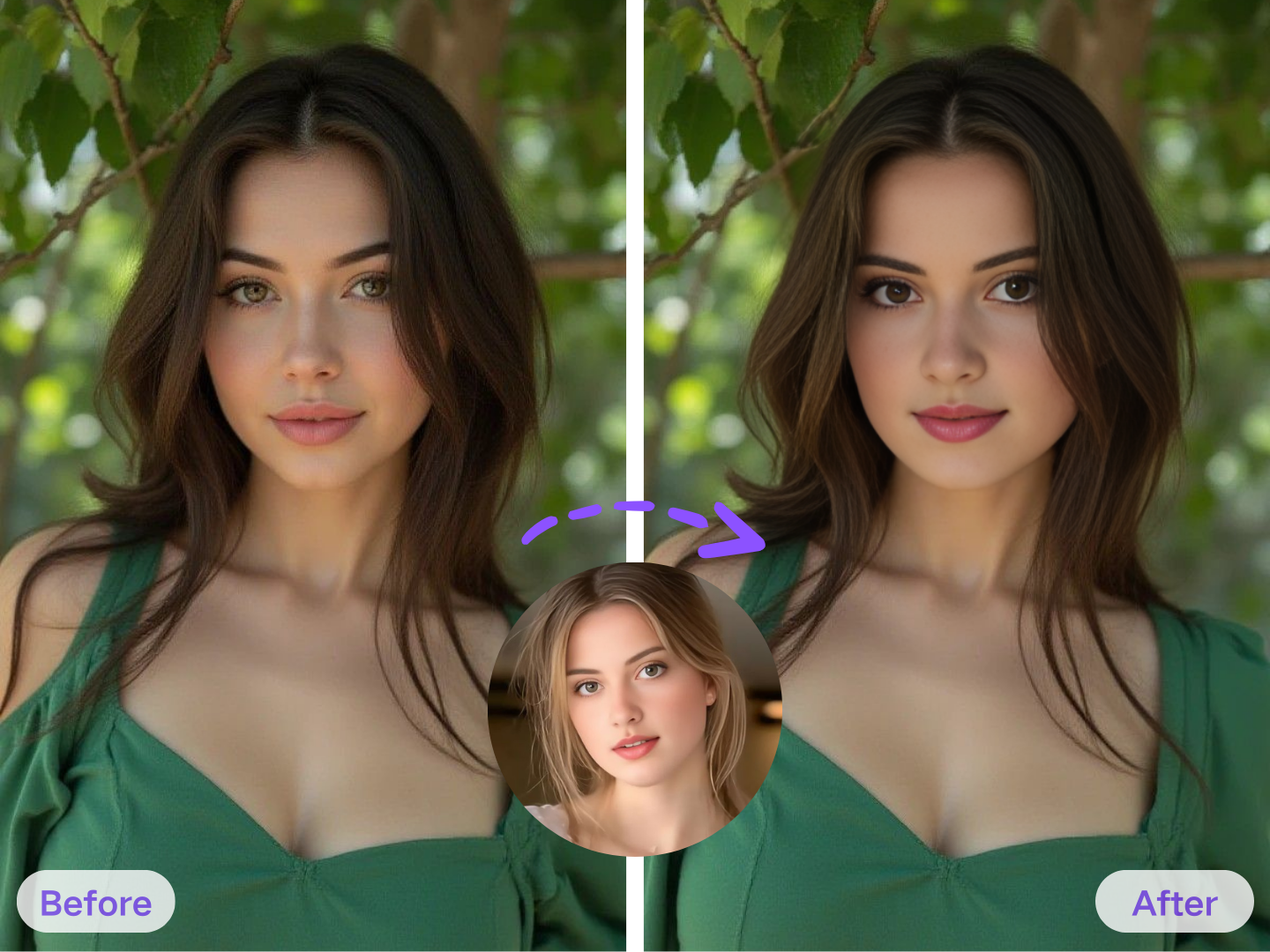
Deepfake Maker Face Swap
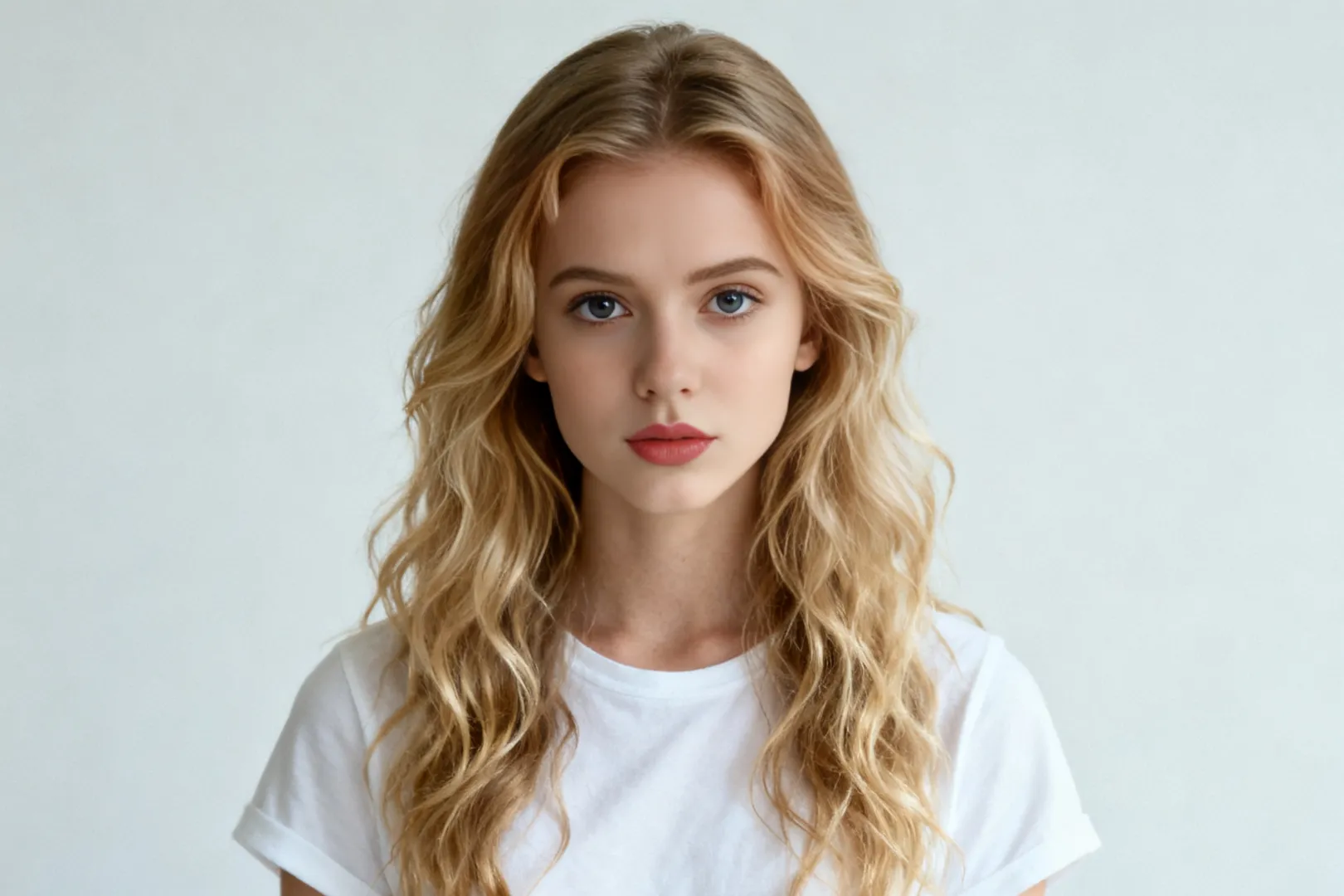
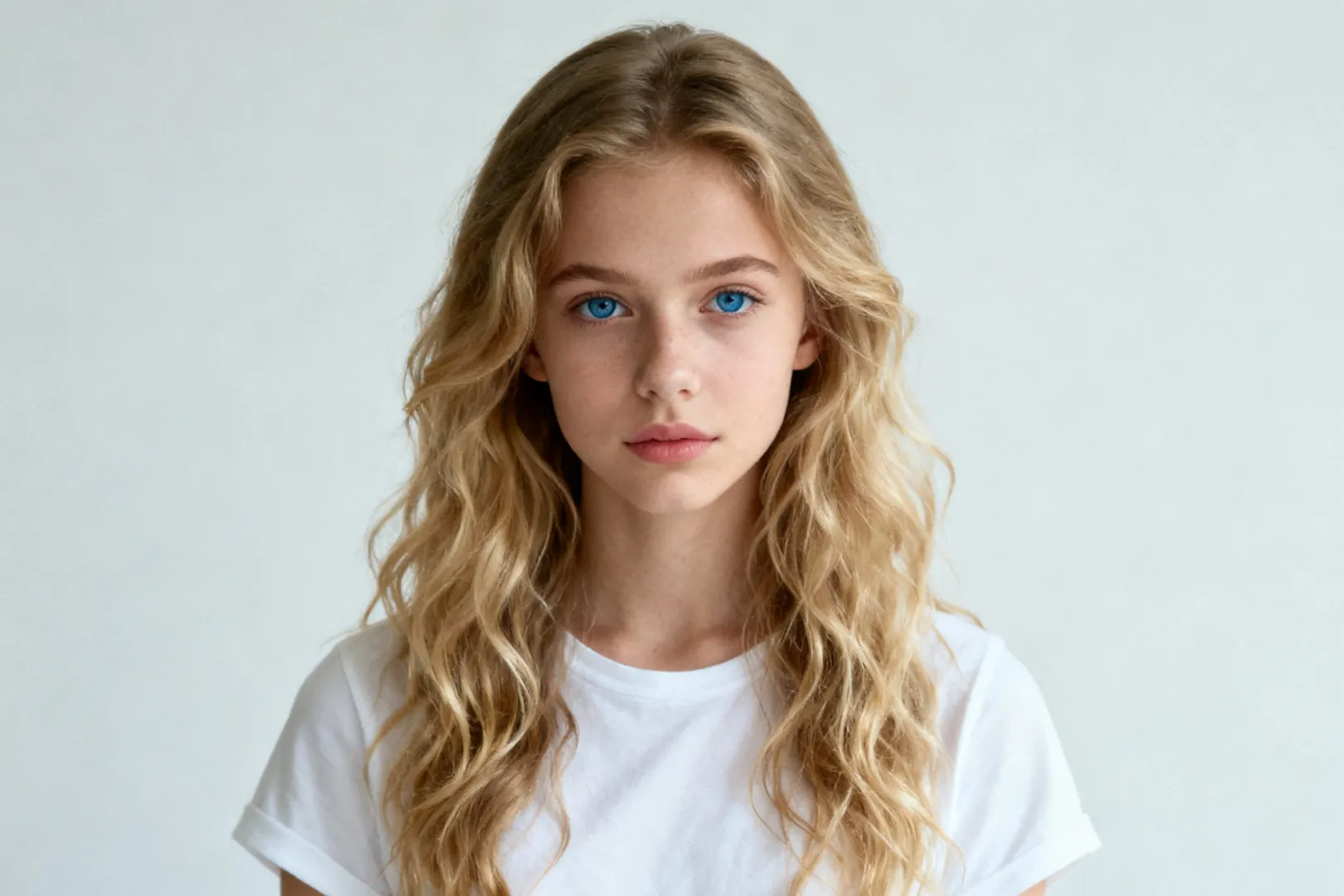
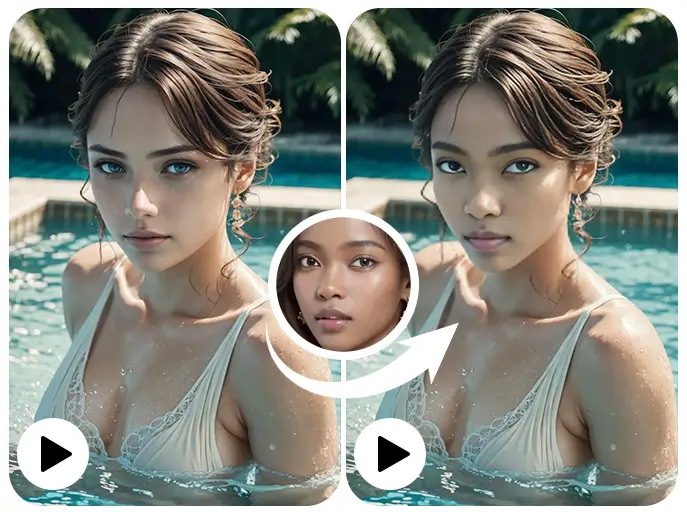
Explore the Powerful Face Swap Features of Deepfake AI
Use the Photo Face Swap Tool of Deepfake AI
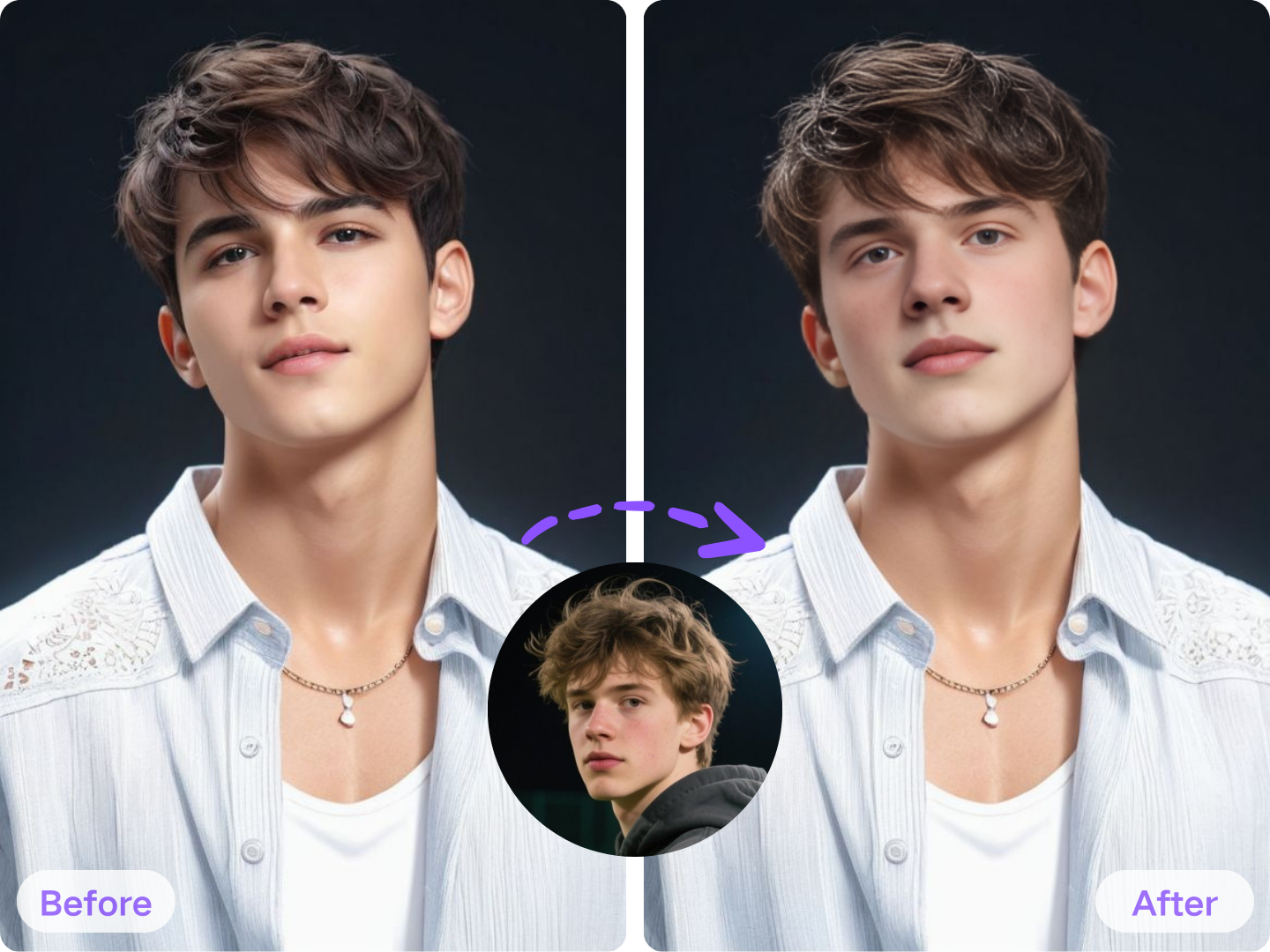
Try the Video Face Swap Function of Deepfake AI
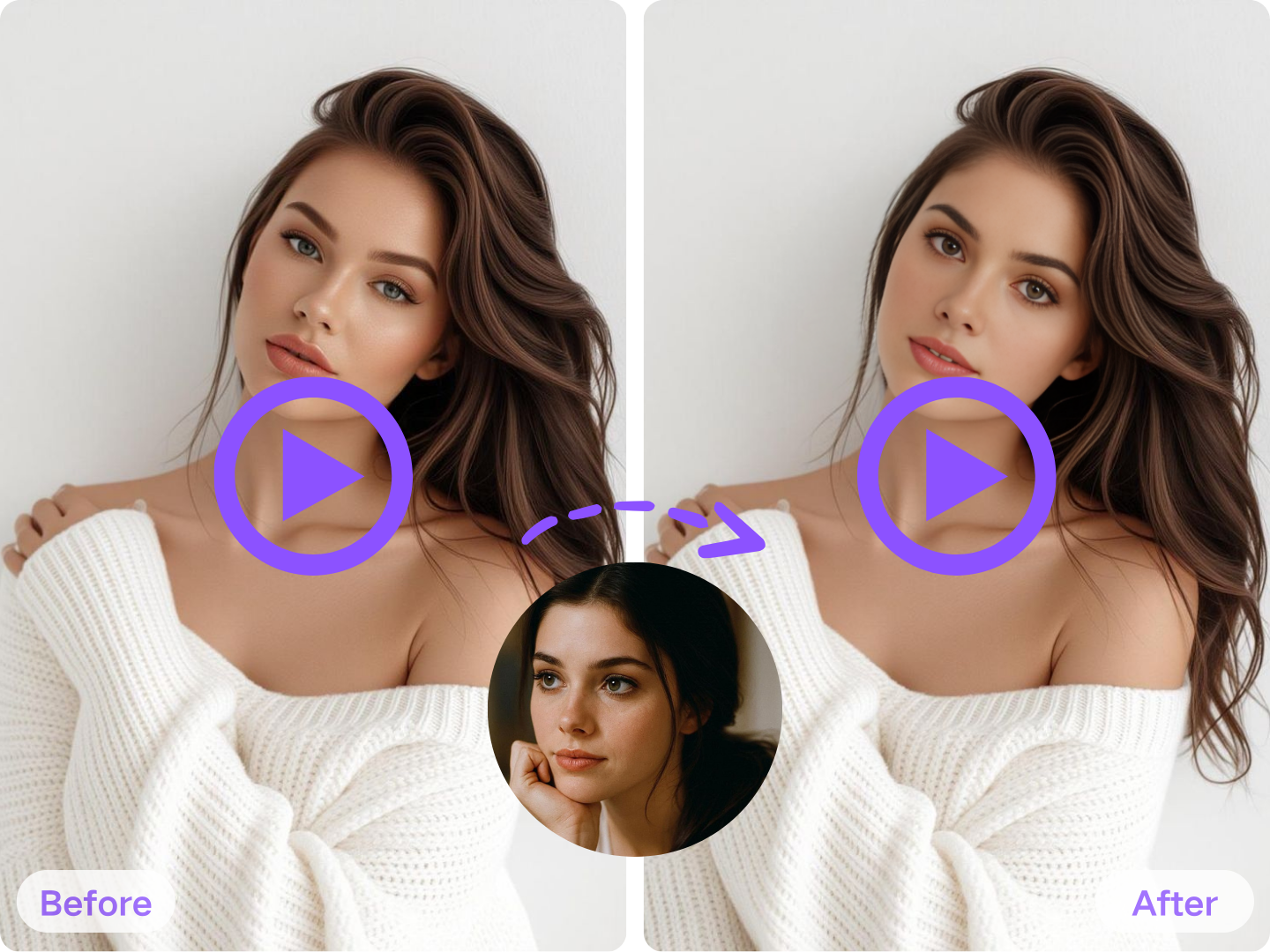
Start GIF Face Swap Using Deepfake AI
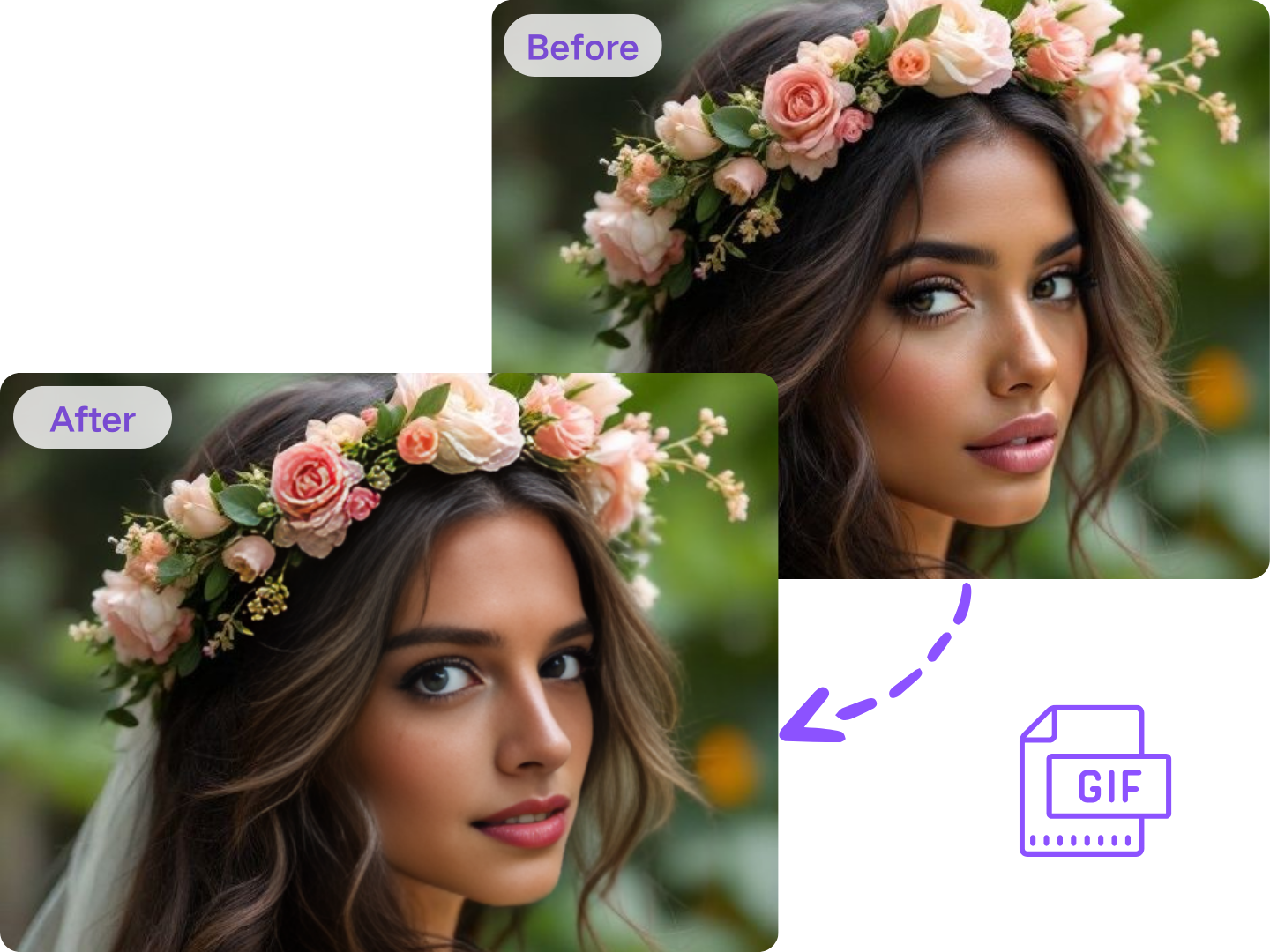
Use the Photo Face Swap Tool of Deepfake AI
Try the Video Face Swap Function of Deepfake AI
Start GIF Face Swap Using Deepfake AI
More Powerful Image and Video AI Tools from Deepfake AI
Deepfake AI's Nano Banana Pro Can Quickly Generate Amazing Images
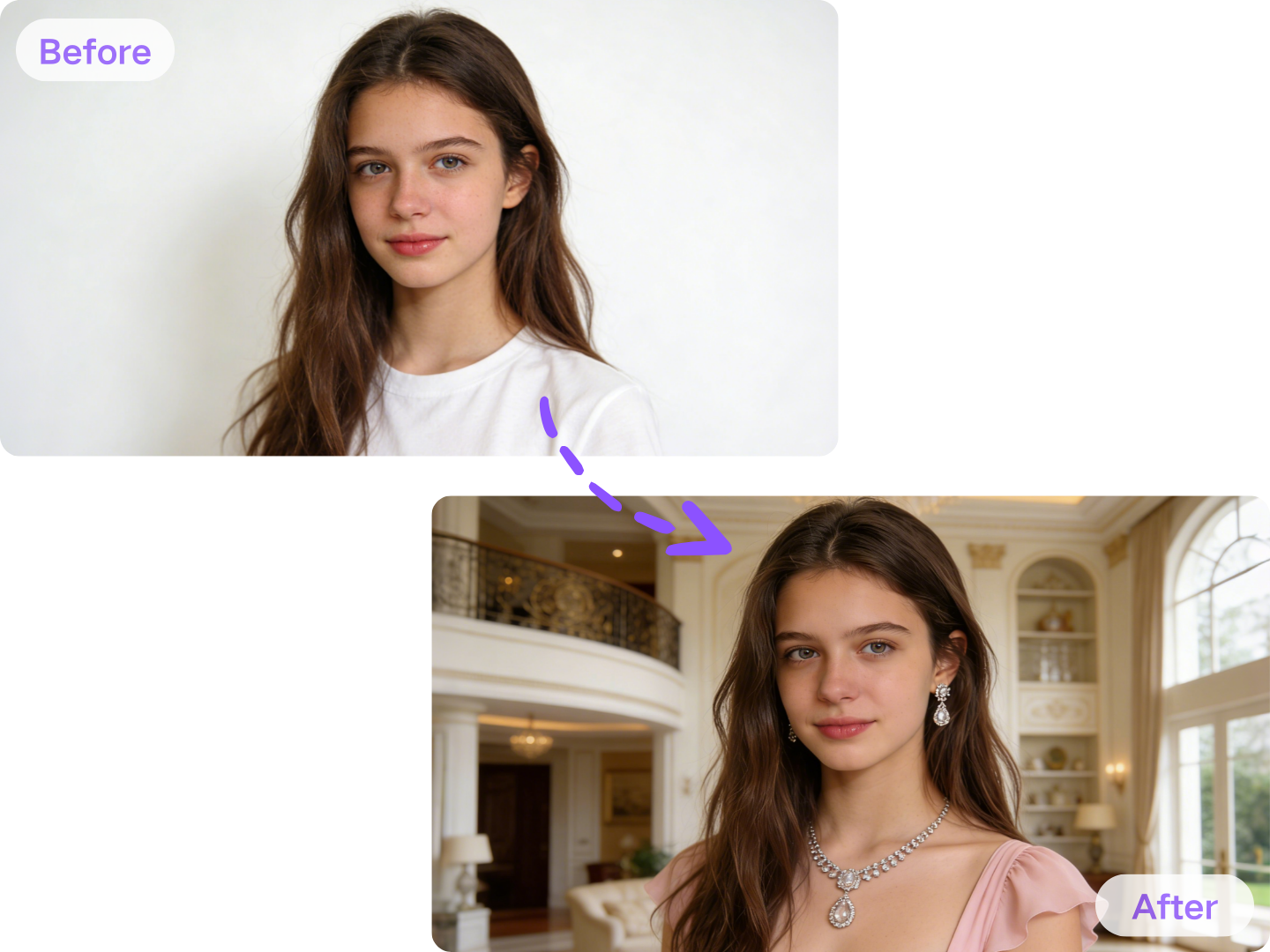
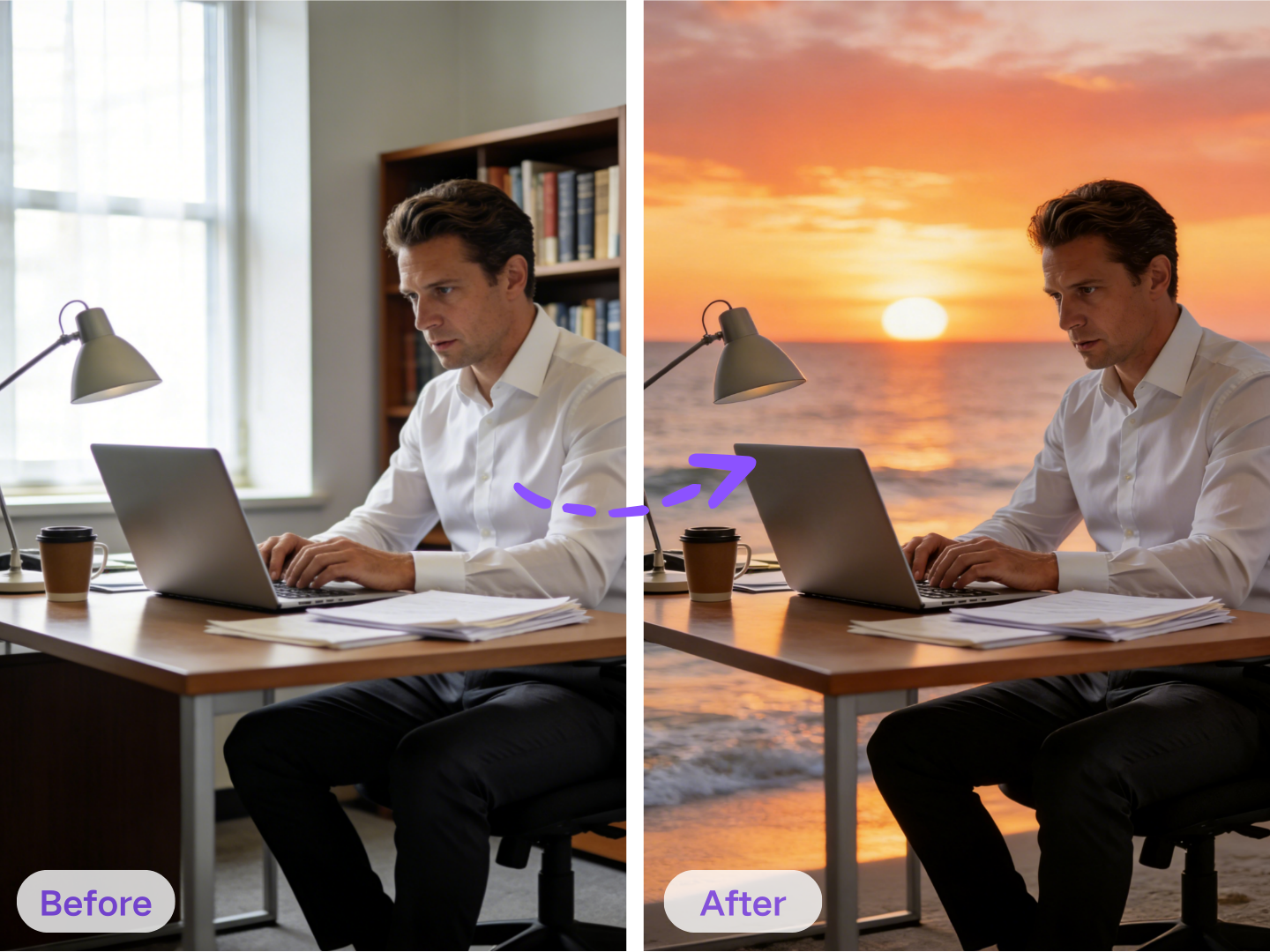
Using AI Photo Editor by Deepfake AI to Adjust the Details
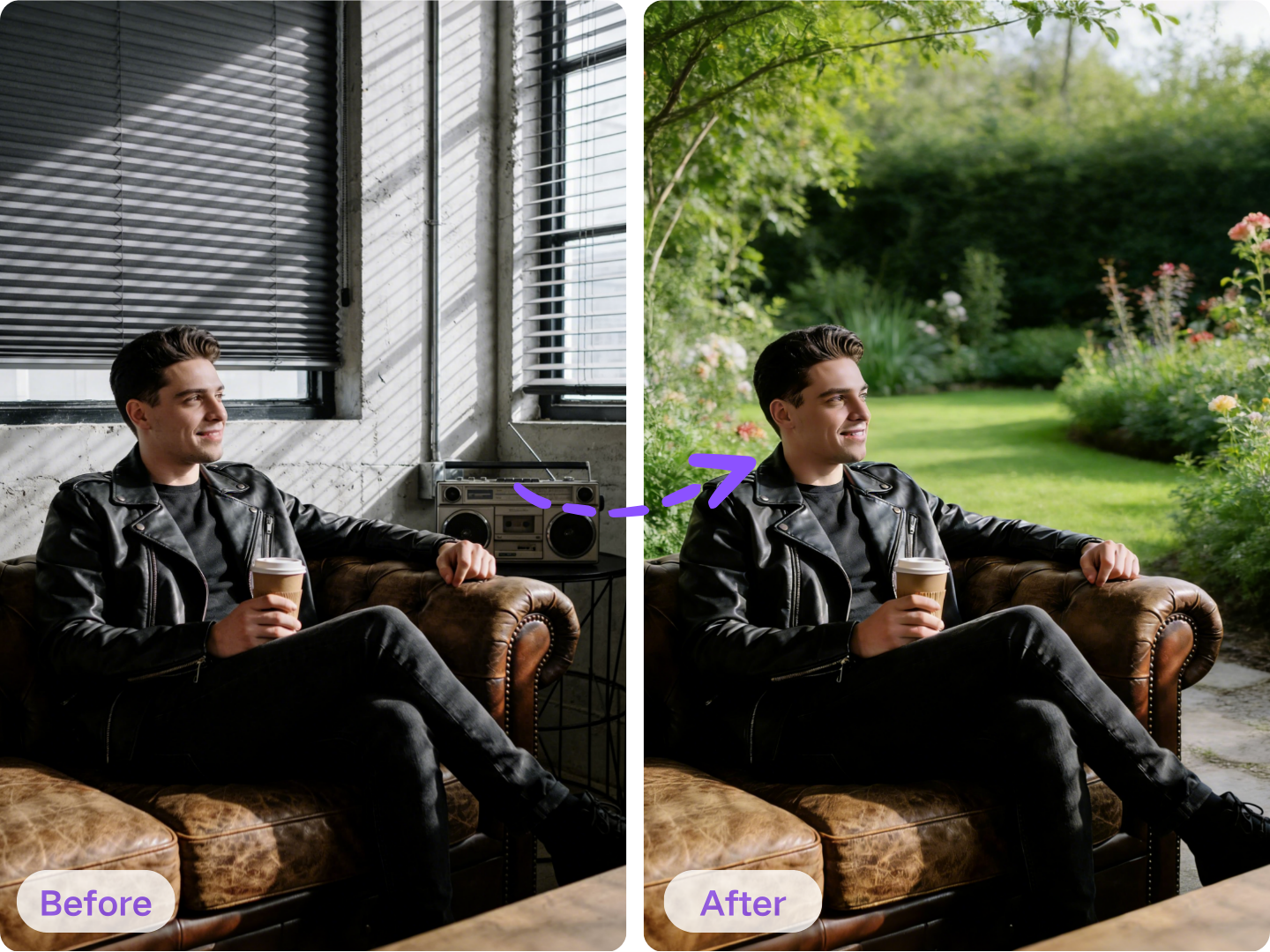
Create Amazing Videos through Deepfake AI's Image to Video AI
Deepfake AI's Nano Banana Pro Can Quickly Generate Amazing Images
Using AI Photo Editor by Deepfake AI to Adjust the Details
Create Amazing Videos through Deepfake AI's Image to Video AI
Why Choose Deepfake Maker for Deepfake AI?
With deepfake AI, speed matters — so does control.
All-in-One
One deepfake AI tool for face swap, image editing, and image to video—create, refine, and export in one workflow without jumping between apps, tabs, plugins, or confusing presets ever again.
Fast Iteration
Generate deepfake AI variations in minutes: swap faces, adjust prompts, re-run, and compare results quickly—perfect for rapid testing, ad creatives, creator briefs, and daily posting on any channel.
Natural Realism
Cleaner blends and steadier frames make AI deepfake outputs feel believable across angles and lighting, helping photos, GIFs, and short clips stay consistent, sharp, and ready for real audiences.
Privacy Mindset
A deepfake AI workflow that keeps you in control: upload only what you need, export when ready, and reduce unnecessary exposure so your media, prompts, and ideas stay protected end to end.
Beginner-Friendly
No VFX skills required—upload, choose a mode, add a simple prompt, and let deepfake AI do the heavy lifting, so anyone can produce polished results with fewer retries and less guessing.
Responsible Use
Built for ethical deepfake AI creation: use consented media, respect rights, avoid deception, and create content that’s safer for brands, teams, clients, and public audiences—without drama.
How to Create Deepfake AI Using Deepfake Maker?
Creating deepfake AI content with Deepfake Maker only requires 3 simple steps.
Step 1: Choose the Tool You Need
Deepfake Maker includes many deepfake AI tools, such as face swap, AI photo editor, and image to video AI, etc. You can choose the tool you want to use based on your needs and follow the corresponding steps.
Step 2: Upload and Generate
Upload your image or video and follow the corresponding steps to configure the settings. Finally, click the generate button to obtain your desired deepfake AI content.
Step 3: Download and Share
You can download and save this generated deepfake AI content, and it's watermark-free. You can use this generated content wherever you want.
FAQs: Everything About Deepfake AI
Below are the most common questions creators ask before using deepfake AI.
What Users Say About Deepfake AI
The best deepfake AI tool is the one that helps you publish faster—with results you trust.
Maya K.
Social Media Manager
"Deepfake Maker is my go-to deepfake AI tool for daily content. Face swap is quick, edits are simple, and image-to-video makes my posts feel premium without extra software."

Daniel R.
Video Editor
"I’ve tested many AI deepfake options—this deepfake AI workflow stays consistent across frames. I can generate variations fast and deliver client-ready concepts in minutes."
Sofia P.
Content Creator
"I use deepfake AI for meme-style GIFs and short clips. The results look clean, and the deepfake AI tool makes it easy to try multiple versions until it’s perfect."
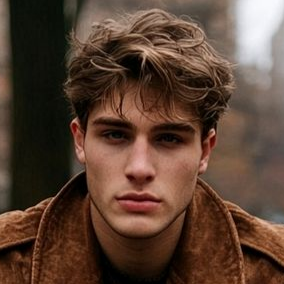
Chris L.
Growth Marketer
"For ad testing, speed matters. This deepfake AI tool lets us swap faces, refresh backgrounds, and create image-to-video hooks quickly—great for fast creative iteration."
Start Creating with Deepfake AI Now!
If you want a single deepfake AI tool for face swap, photo editing, and image to video, Deepfake Maker gives you a clean workflow to move from idea to export—fast.