GPT Image 2 for Smarter AI Image Creation
Create polished posters, product scenes, social graphics, and visual stories with GPT Image 2, using stronger prompt control, clearer text, and richer style direction.
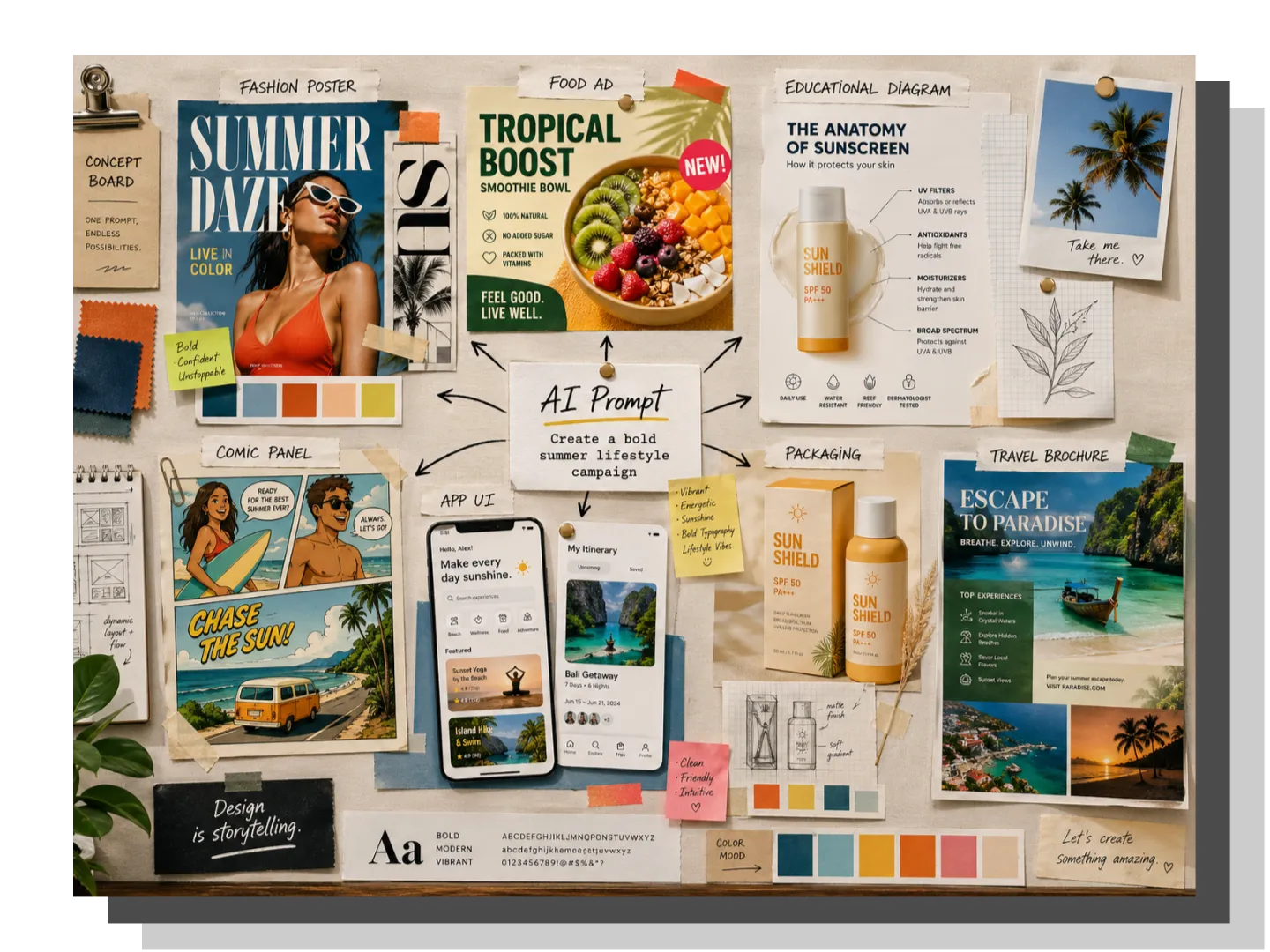
Create More Useful Visuals with GPT Image 2
GPT Image 2 supports structured image generation with better control over text, style, layout, and visual consistency.
Reference Images
0/8
Add Images
Your generated images will appear here
Create Practical Visual Assets with More Control from the First Prompt
GPT Image 2 helps you turn a simple idea into a more usable visual asset from the start. With better control over subject, composition, lighting, style, and purpose, it supports posters, product concepts, social graphics, and branded images that feel clearer, sharper, and more intentional today.

How to Use GPT Image 2 to Build Polished Visuals Fast
Create polished visuals in three simple steps: enter your idea, choose the right format, then generate and refine the preview.
Add Prompt or Reference
Type your prompt, upload reference images if needed, and describe the subject, text, mood, lighting, and final visual goal clearly.
Set Ratio and Resolution
Choose the desired aspect ratio for the generated image, and then select the resolution so that GPT Image 2 can fit into social media posts, web banners, product images, or main images.
Create, Preview, Refine
Click Generate, check the preview, and adjust your prompt or reference images to improve text clarity, layout, style, and overall visual quality.
Explore the Standout Features of GPT Image 2 for Smarter Visual Creation
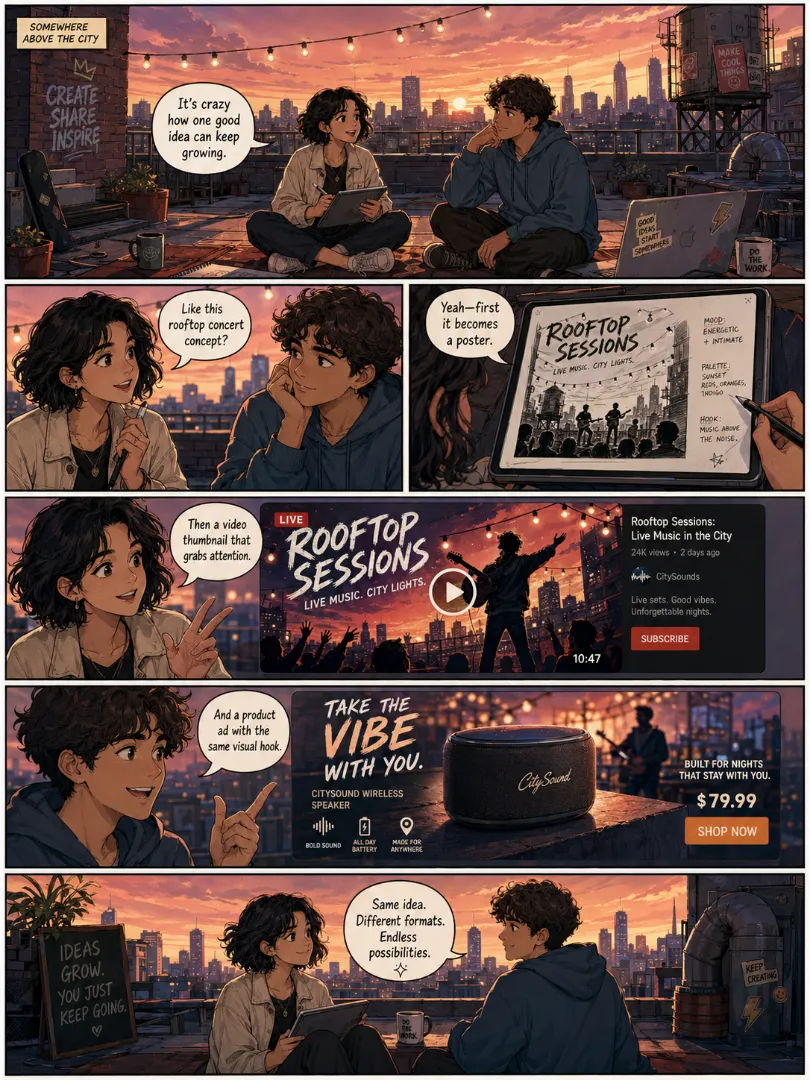
Turn Simple Ideas into Structured Visuals with GPT Image 2
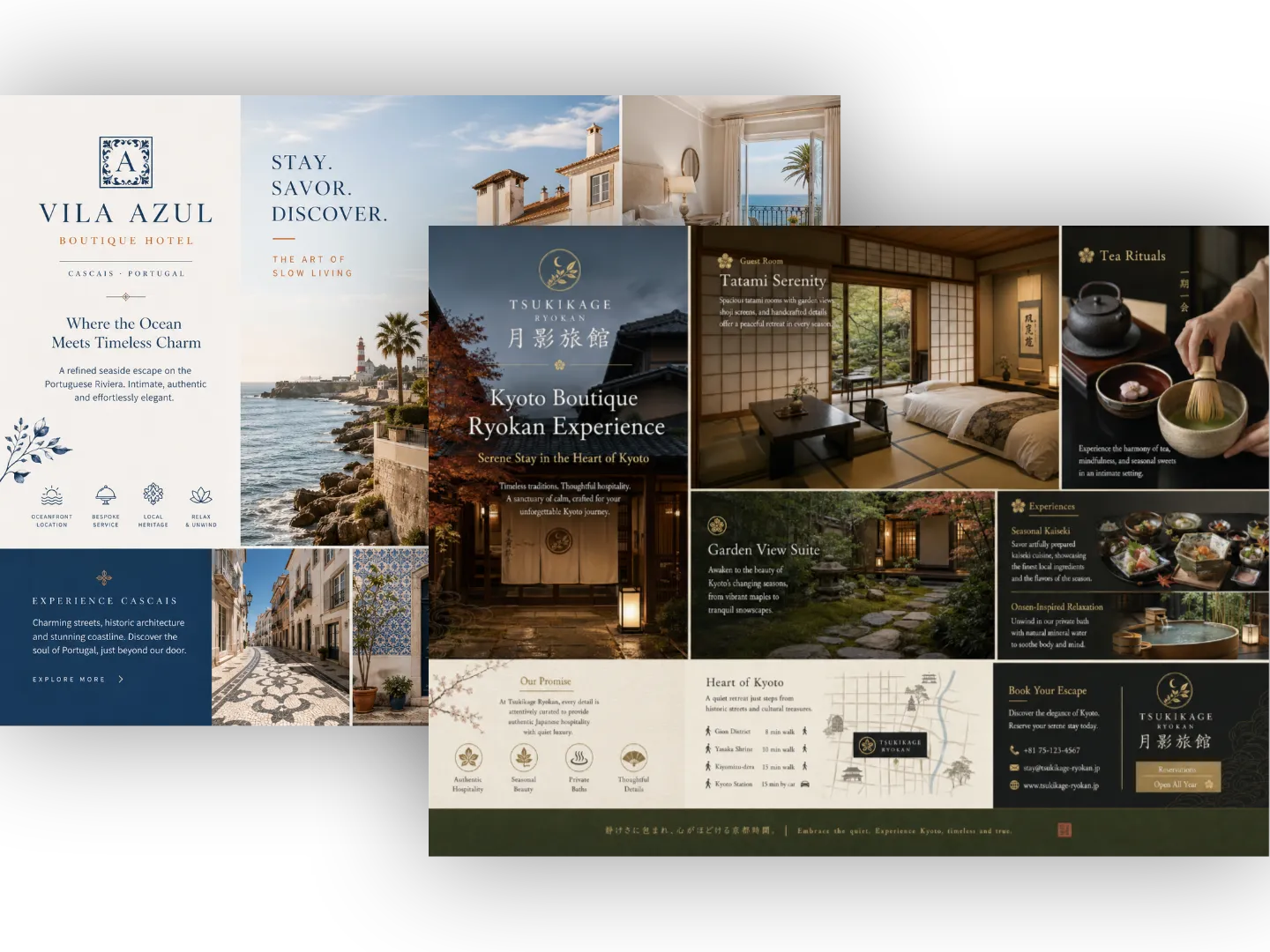
Create Clear In-Image Text Using ChatGPT Image 2
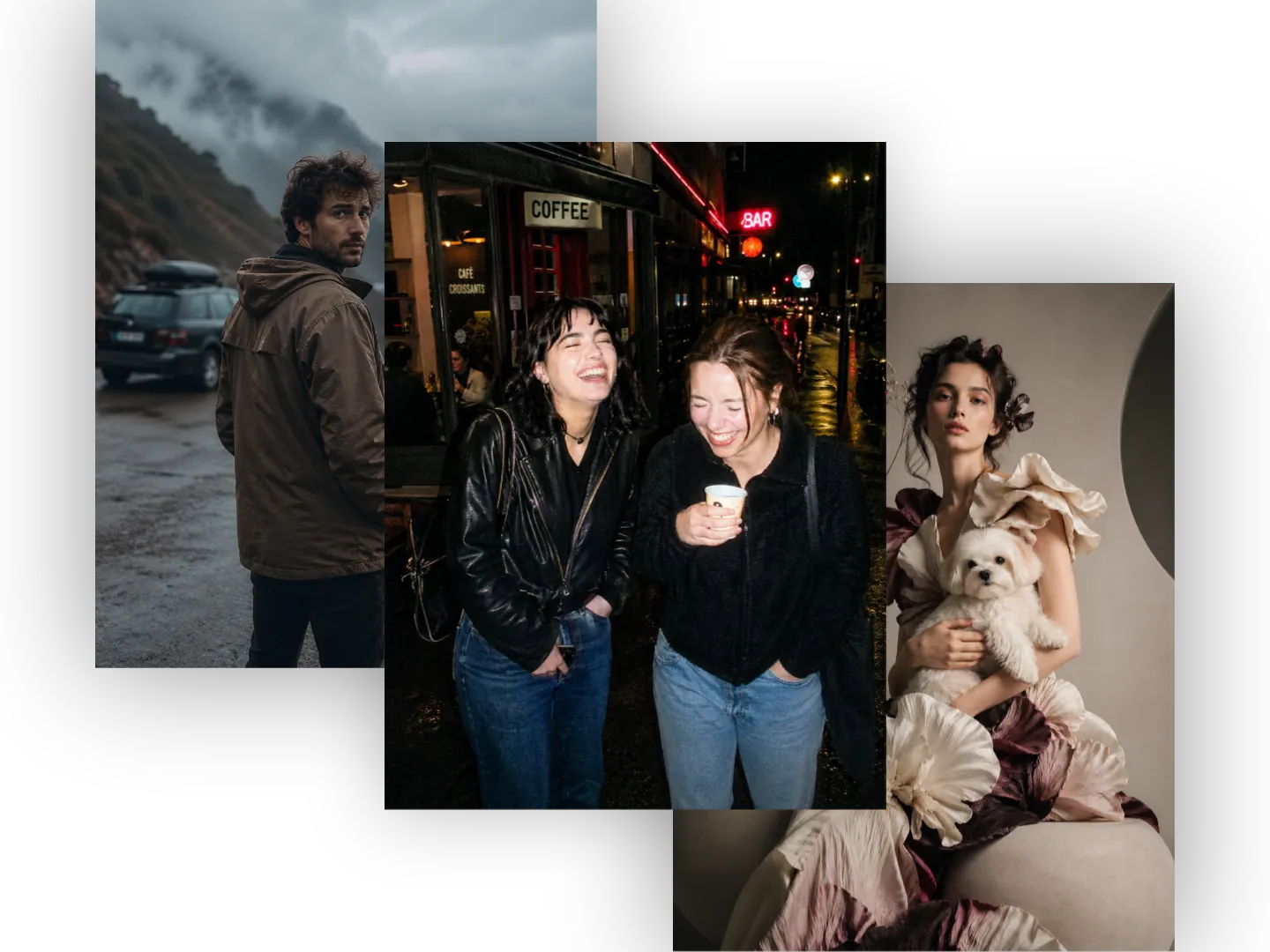
Explore More Creative Styles with ChatGPT Images 2.0
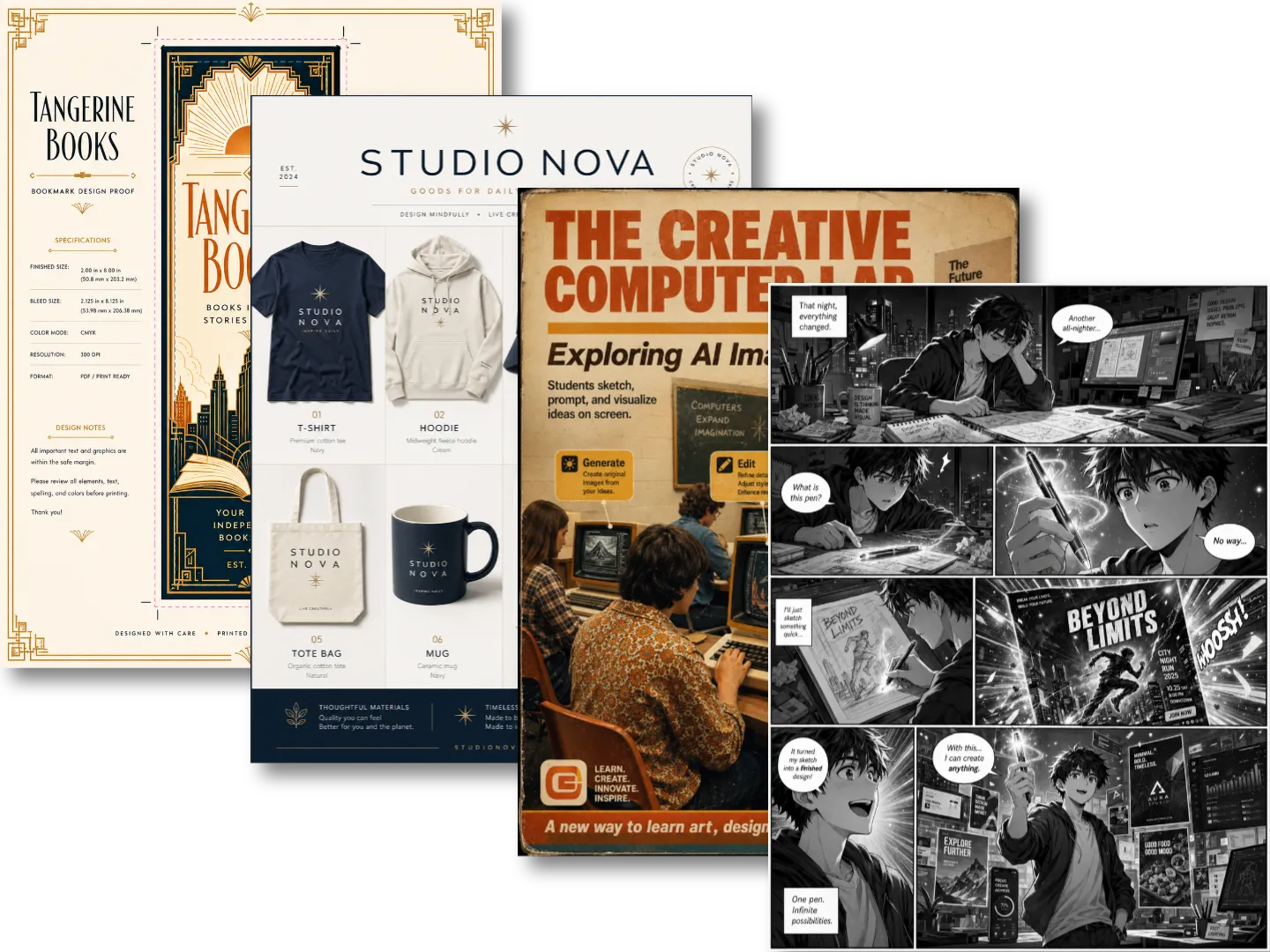
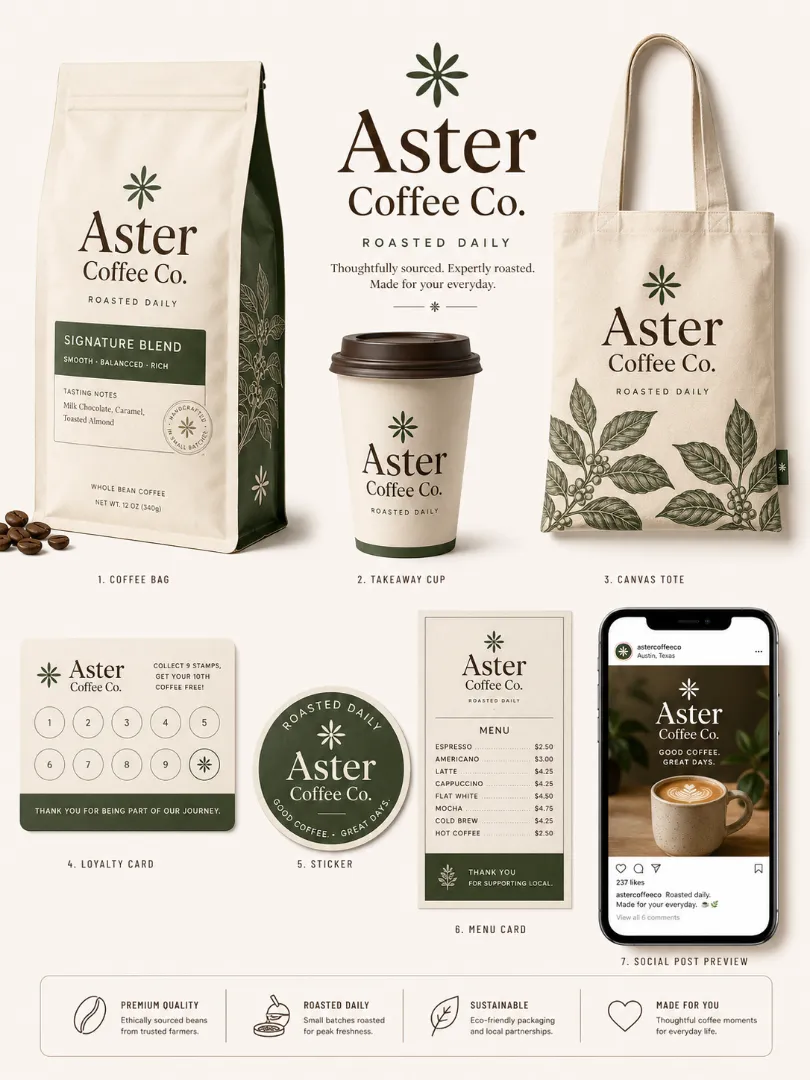
Multi-Format Asset Creation Made Easier in GPT Image 2.0
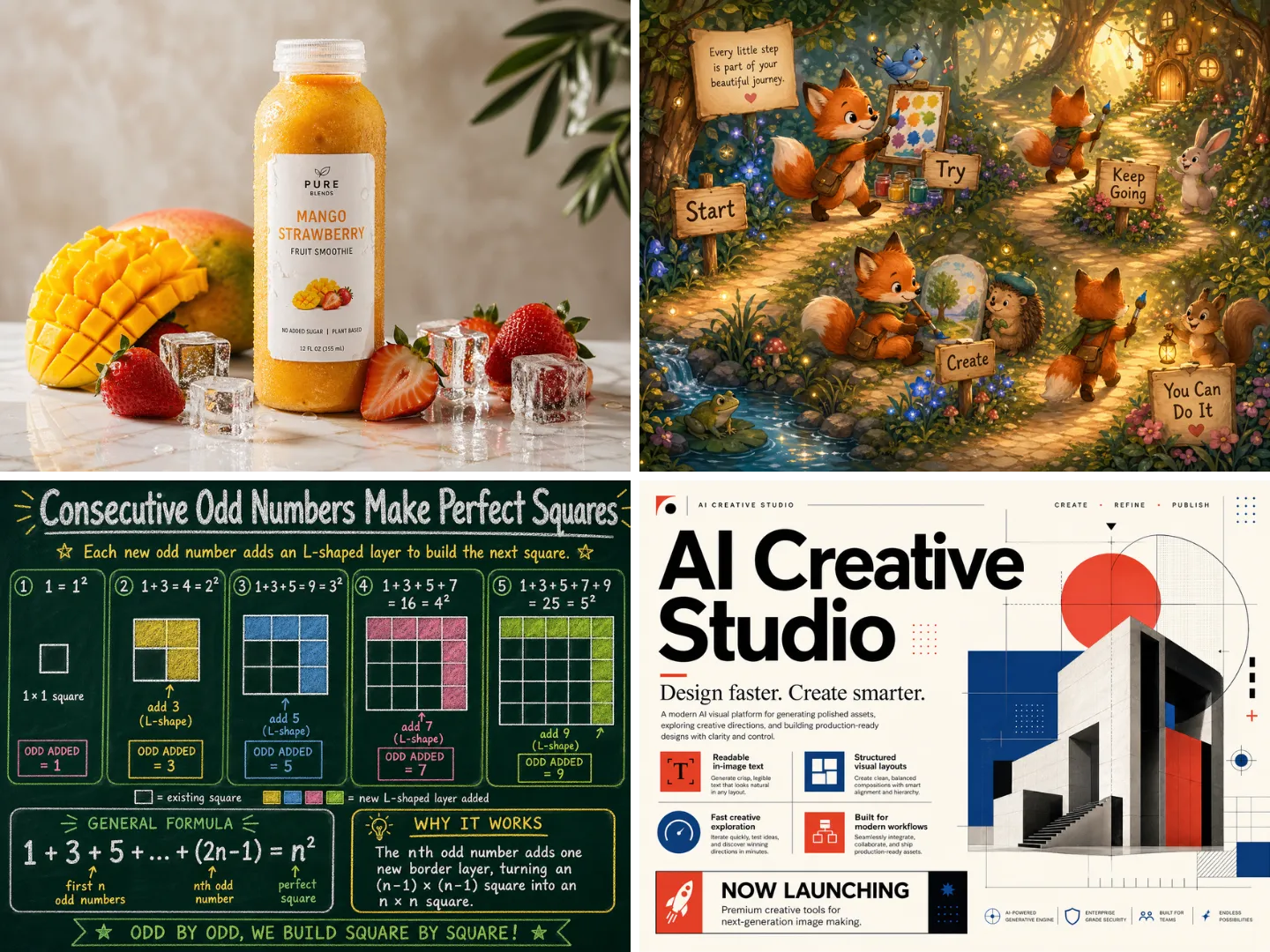
Turn Simple Ideas into Structured Visuals with GPT Image 2
Create Clear In-Image Text Using ChatGPT Image 2
Explore More Creative Styles with ChatGPT Images 2.0
Multi-Format Asset Creation Made Easier in GPT Image 2.0
Use Cases for GPT Image 2 Across Real Creative Workflows
Explore how the tool can support marketing, education, ecommerce, branding, localization, and social content.
Use GPT Image 2 to create ad concepts, launch posters, hero images, and social variations that share one message while fitting different platforms and audience moments.
Build product scenes, packaging previews, and lifestyle images with ChatGPT Image 2, so ecommerce teams can test creative ideas quickly before a live release online.
Generate square posts, reels covers, story layouts, and carousel graphics with GPT Image 2.0 while keeping one visual system across channels and campaigns daily.
Turn complex ideas into clear charts, labeled diagrams, study notes, or classroom posters with ChatGPT Images 2.0 and stronger layout planning for modern learners.
Compare realistic, editorial, comic, minimalist, and premium directions with GPT Image 2 before committing to a final campaign style or brand refresh concept today.
Create multilingual posters, regional ads, and culturally adapted layouts with ChatGPT Image 2.0 for global audiences, local landing pages, and launches quickly.
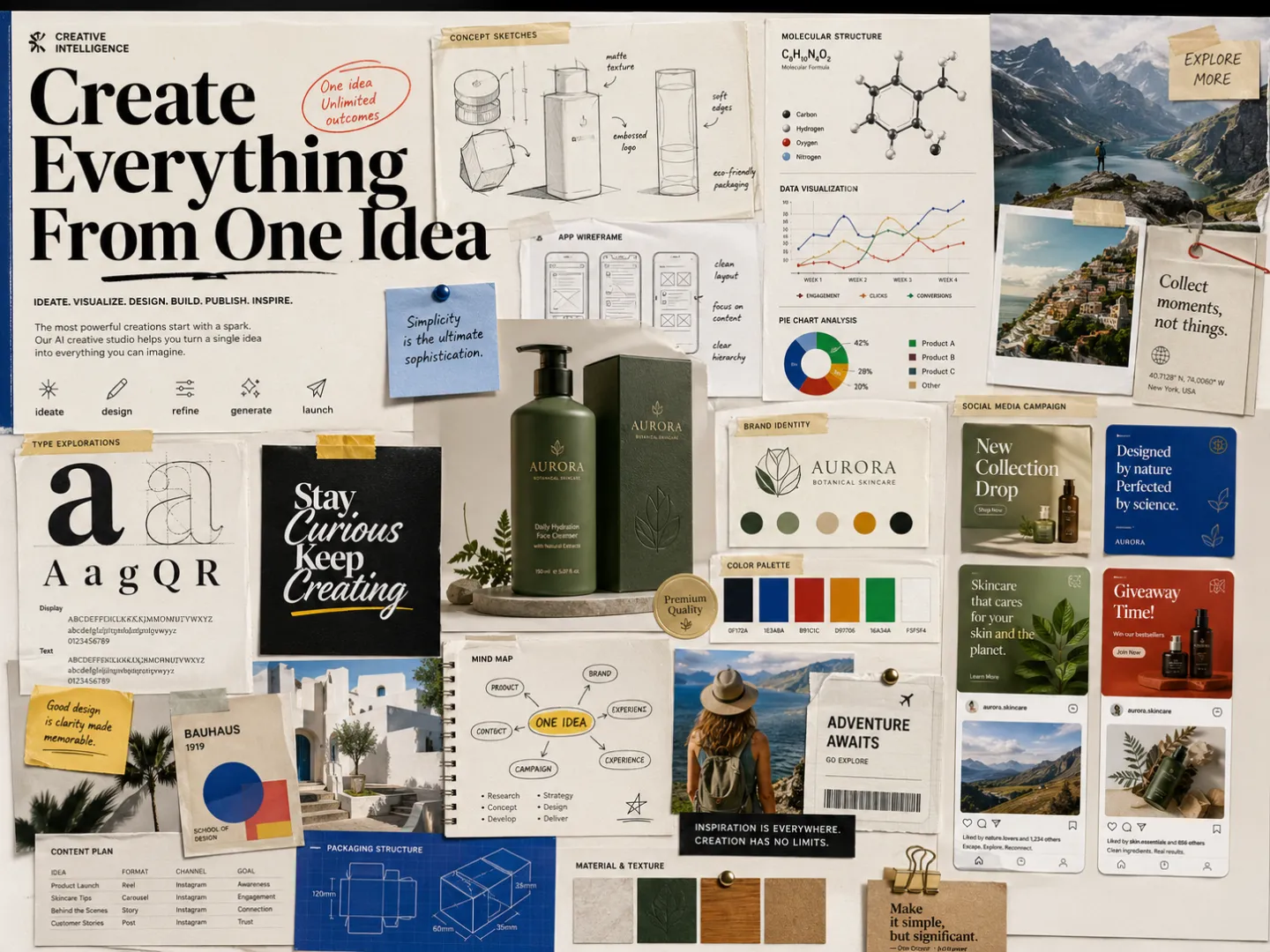
Why Choose GPT Image 2 for Everyday Creative Production
Choose a workflow that helps you create, compare, revise, and prepare visual assets with less manual setup.
Built for Daily Work
Use GPT Image 2 for recurring creative tasks, from quick social posts to campaign visuals, without starting every design brief from zero again every day.
Cleaner Prompt Control
Guide mood, angle, layout, text, and audience with clearer prompts so ChatGPT Image 2 can return visuals closer to your intent faster and with less revision.
Practical Brand Output
Keep campaigns consistent across product shots, ads, banners, and editorial graphics with GPT Image 2.0 style direction and organized review flows for teams.
Fast Idea Exploration
Test multiple concepts quickly with ChatGPT Images 2.0, then choose the strongest version before investing in final production work or design time later.
Better Text in Images
Create graphics with headings, labels, and calls to action that are easier to read, review, and adapt for real marketing use online today and often.
Flexible Asset Scaling
Turn one idea into different sizes and layouts, helping teams prepare visuals for web, social, email, and presentations faster each week with ease.
What Creators Say About GPT Image 2 in Real Projects
These reviews show how different roles use the tool for planning, testing, and producing visual concepts faster.
Maya R.
Creative Director
"GPT Image 2 helped our team move from rough campaign notes to polished concept boards in one afternoon. The biggest difference was control: the layouts, text placement, and mood felt much closer to what we described during briefing."

Ethan B.
Ecommerce Manager
"We used ChatGPT Image 2 to create product scene ideas before shooting. It gave us cleaner references, better angles, and realistic lifestyle directions that made our planning process much faster for seasonal store updates."
Sofia M.
Social Media Strategist
"ChatGPT Images 2.0 made it easier to test different creative directions for the same campaign. We could compare editorial, playful, and premium looks before choosing a final social content style for launch week with confidence."
Daniel K.
UX Designer
"GPT Image 2.0 is useful when I need landing page visuals, empty-state graphics, or feature illustrations quickly. It helps me explore layout ideas without waiting for a full design cycle or extra production support from another team."
Maya R.
Creative Director
"GPT Image 2 helped our team move from rough campaign notes to polished concept boards in one afternoon. The biggest difference was control: the layouts, text placement, and mood felt much closer to what we described during briefing."
Frequently Asked Questions About GPT Image 2
Find quick answers about image generation, text rendering, brand use, ads, and creative skill requirements.
Start Creating Better Visuals with GPT Image 2 Today!
Turn your next idea into a polished image, campaign concept, product mockup, social graphic, or landing page visual with GPT Image 2.