Image to Prompt Generator: Turn Images Into Detailed AI Prompts
Found an image you want to recreate or use as inspiration? Turn it into a detailed prompt you can copy, refine, and reuse with any AI image generator.
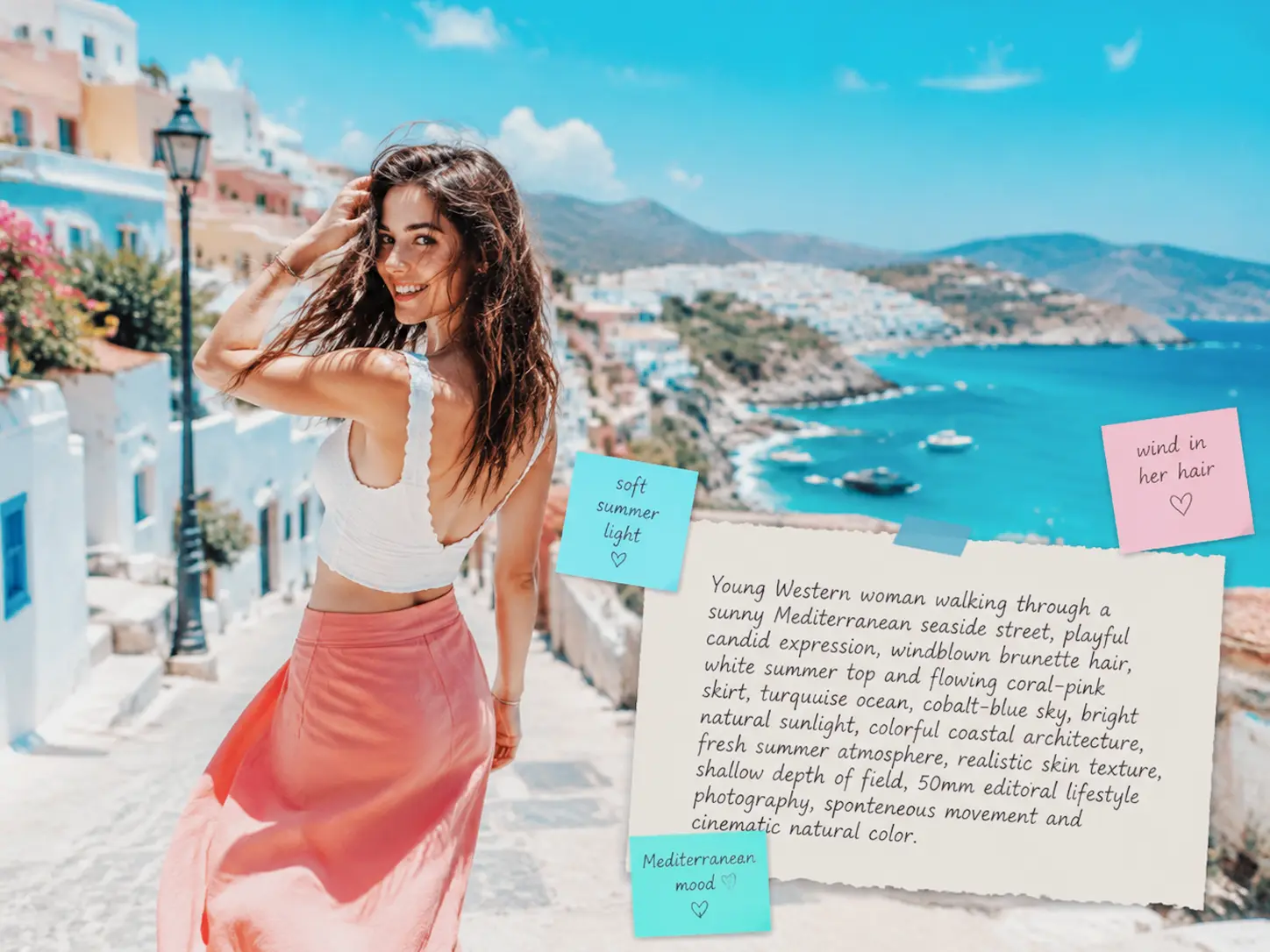
Upload Image
Drag or click to upload
Generated Prompt
Your generated prompt will appear here...
What Is an Image to Prompt Generator?
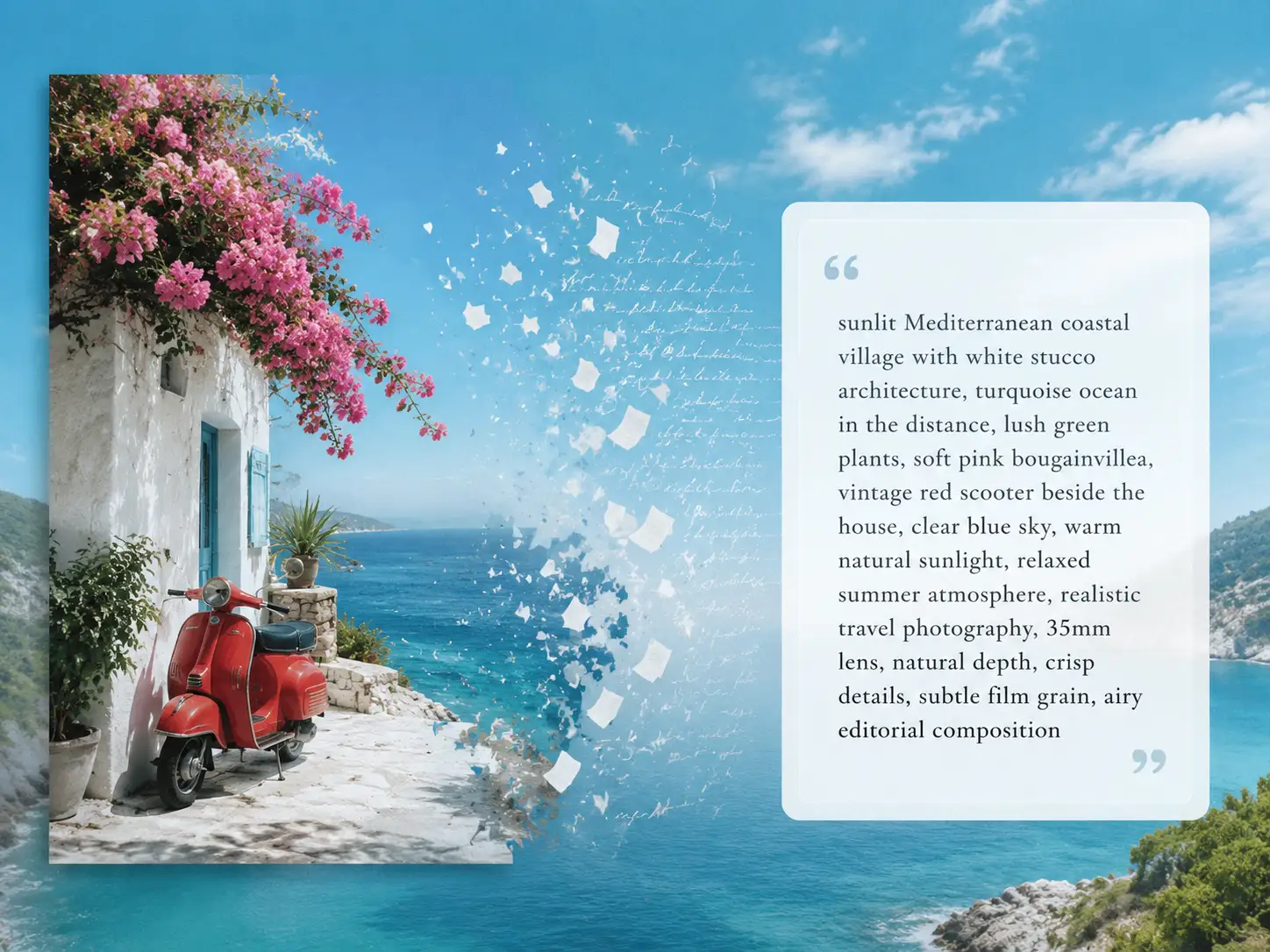
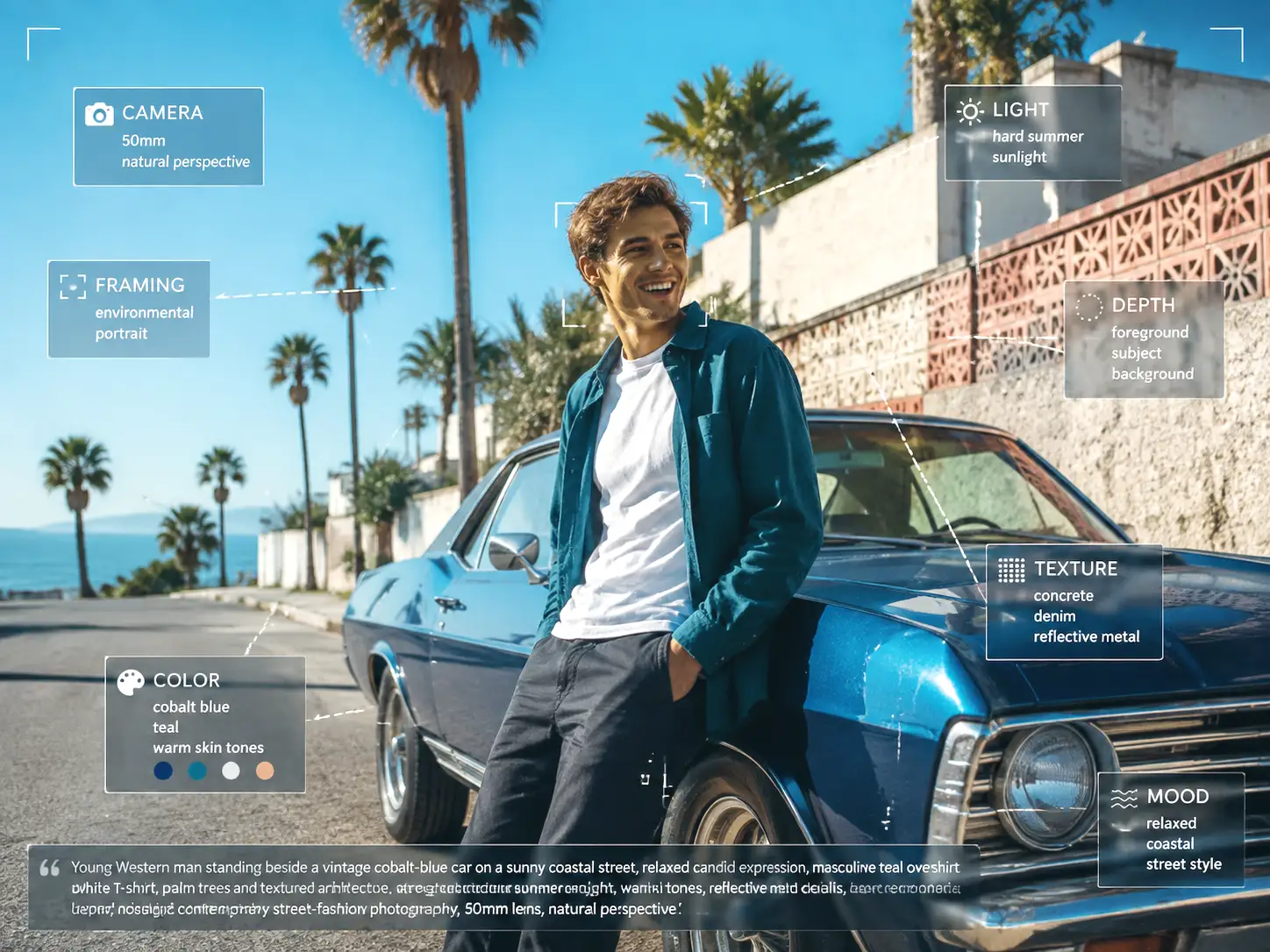
Reverse-Engineer the Look You Love
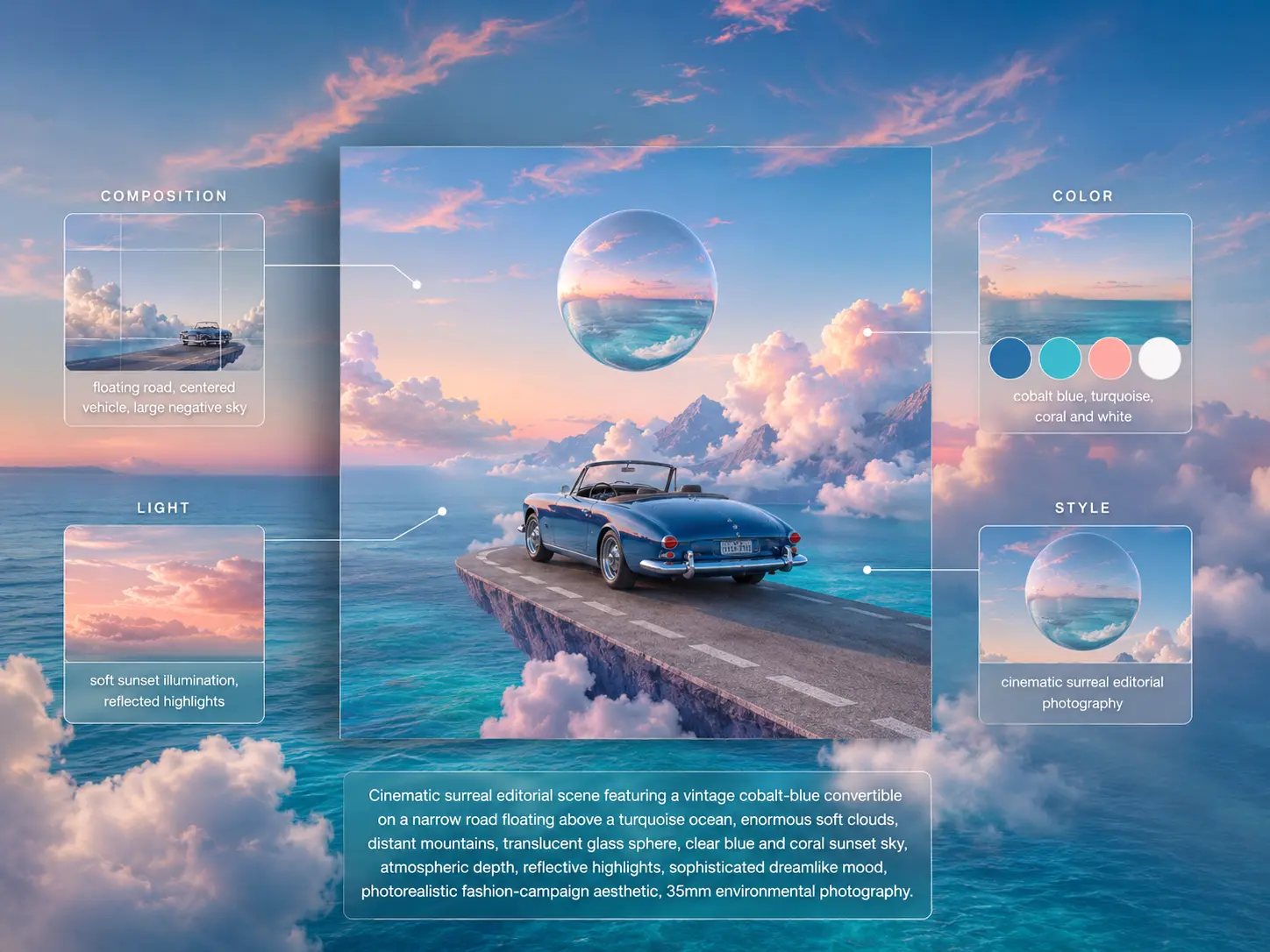
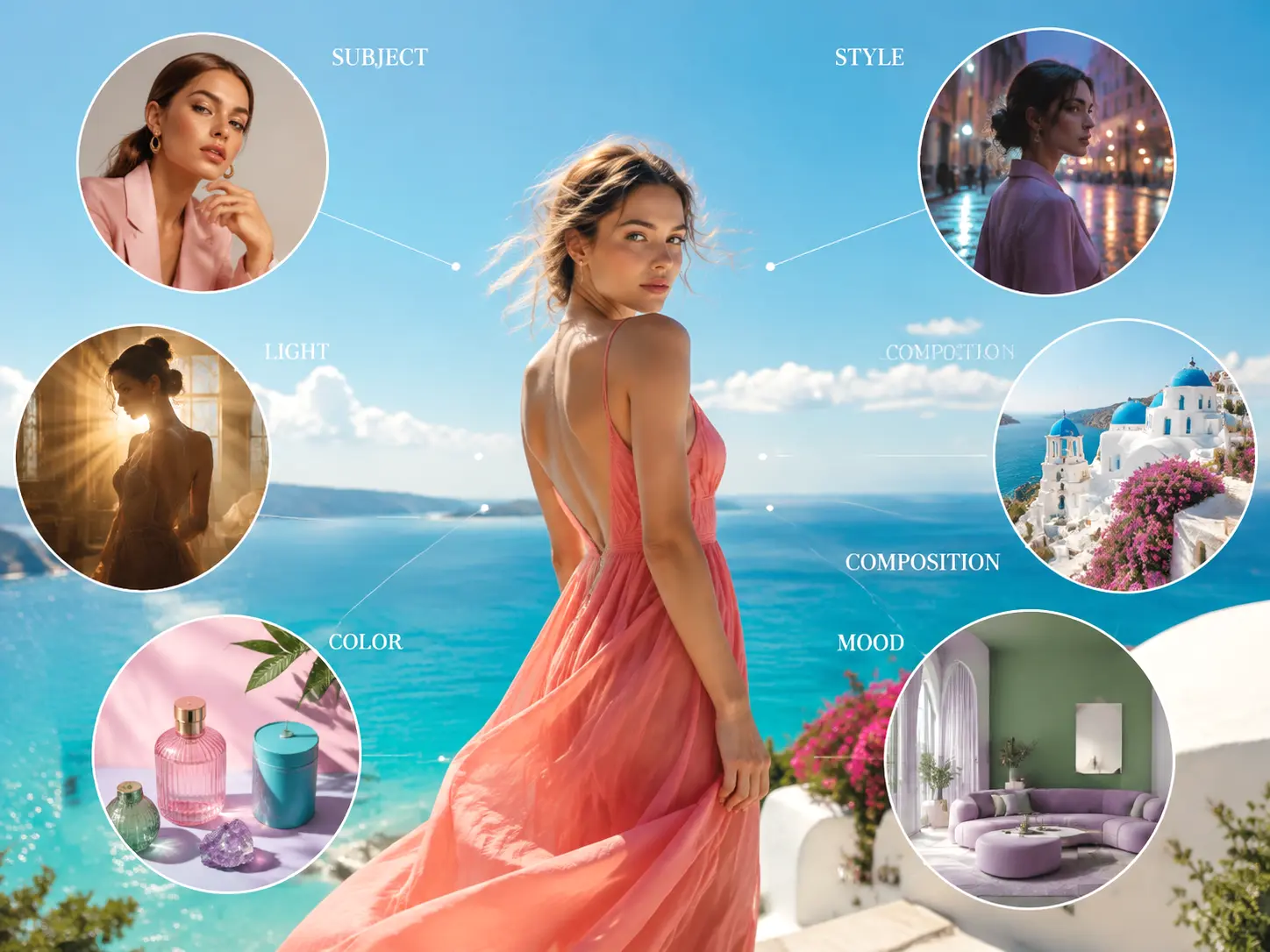
Analyze More Than Just the Subject
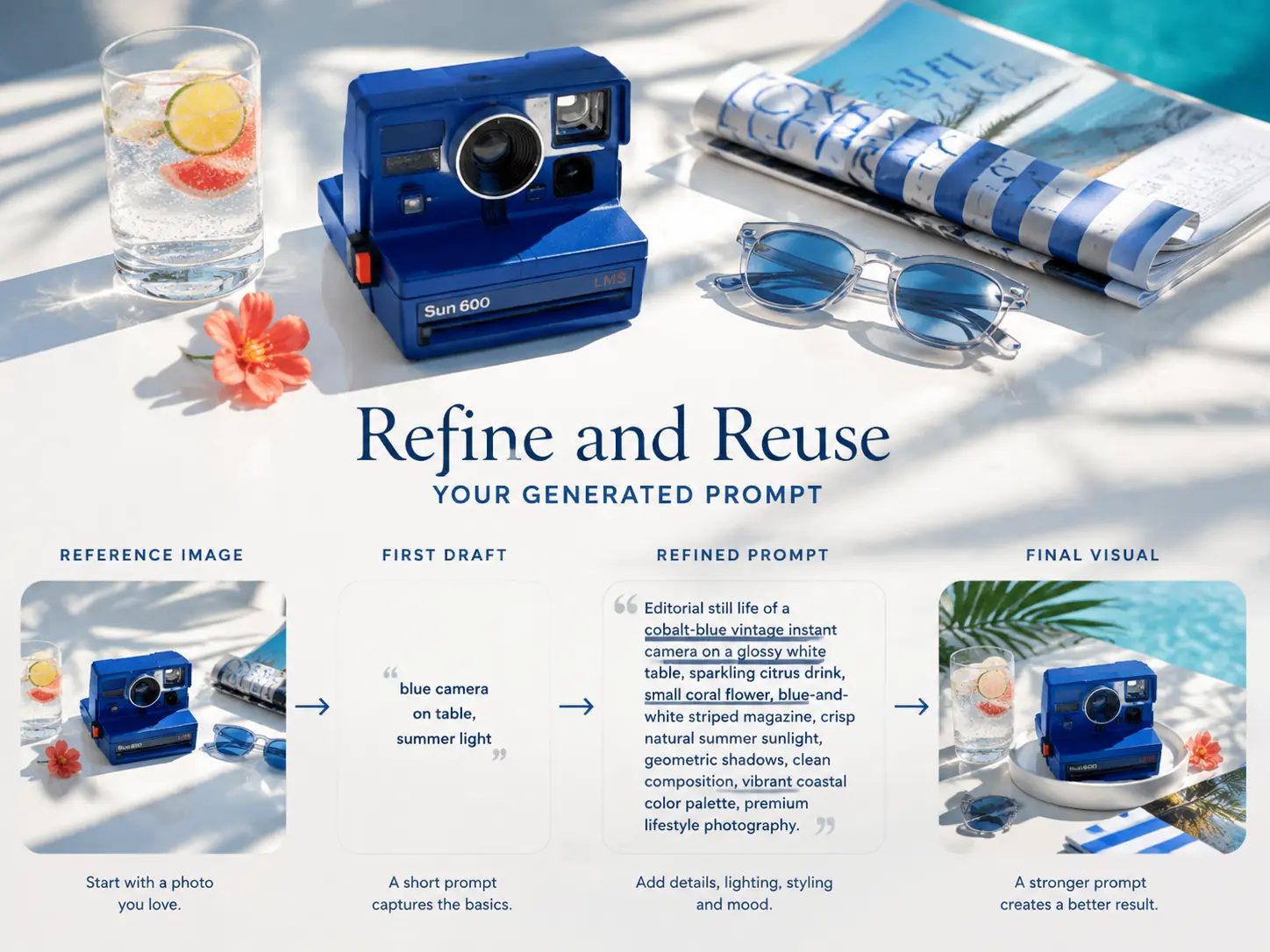
Refine and Reuse Your Generated Prompt
What Is an Image to Prompt Generator?
Reverse-Engineer the Look You Love
Analyze More Than Just the Subject
Refine and Reuse Your Generated Prompt
How Can Image to Prompt Help With Your Creative Work?
Turn visual references into useful text prompts for creative exploration, AI image generation, and repeatable workflows.
Found a photo, illustration, or artwork with a look you love? Use the image to prompt generator to analyze the reference and explore a similar visual direction with your own subject.
See an AI-generated image you admire online? Generate a prompt from the image to approximate how it may have been created, then adjust the keywords to make the style your own. Perfect for studying techniques and remixing trends.
Turn a reference image into a detailed description that you can refine for new creative ideas. Adjust the subject, setting, colors, or style to develop a fresh variation for your own creative project.
Convert visual inspiration into text you can save, edit, and reuse. Build a library of useful prompt ideas from reference images instead of relying on your memory of what a certain look required.
See how AI describes a reference image and discover which visual details make a photo to prompt result more specific. Use the generated descriptions as inspiration when writing your own prompts by hand.
Analyze portraits, product photography, illustrations, cinematic scenes, and other visual references to understand the creative choices behind an image, then reuse those insights in your own work.
Why Choose Our Image to Prompt Generator?
Turn any visual reference into a detailed prompt with a faster, simpler, and more flexible workflow.
Understand Any Photo Instantly
The tool reads subject, art style, lighting, color palette, composition, and camera angle, then writes a structured prompt ready for any AI image generator.
No Software Needed
Use the image to prompt generator right in your browser, no download or install needed. Upload from your phone or computer and get a prompt in seconds, anywhere.
Works on Any Device
Works smoothly across desktop, laptop, tablet, and smartphone, on every operating system and screen size.
Save Time on Prompt Writing
Skip hand-describing every detail. Get a structured prompt in seconds and spend your time refining the creative direction.
Privacy Comes First
Images are processed temporarily and automatically deleted within 24 hours. Your photos are never used for model training.
Flexible for Different AI Workflows
Copy the prompt and adapt it to the AI generator you prefer, adjusting wording, style, or details to fit your workflow.
How to Use the Image to Prompt Generator in Three Simple Steps?
Turn a visual reference into a detailed AI prompt with a quick and straightforward workflow.
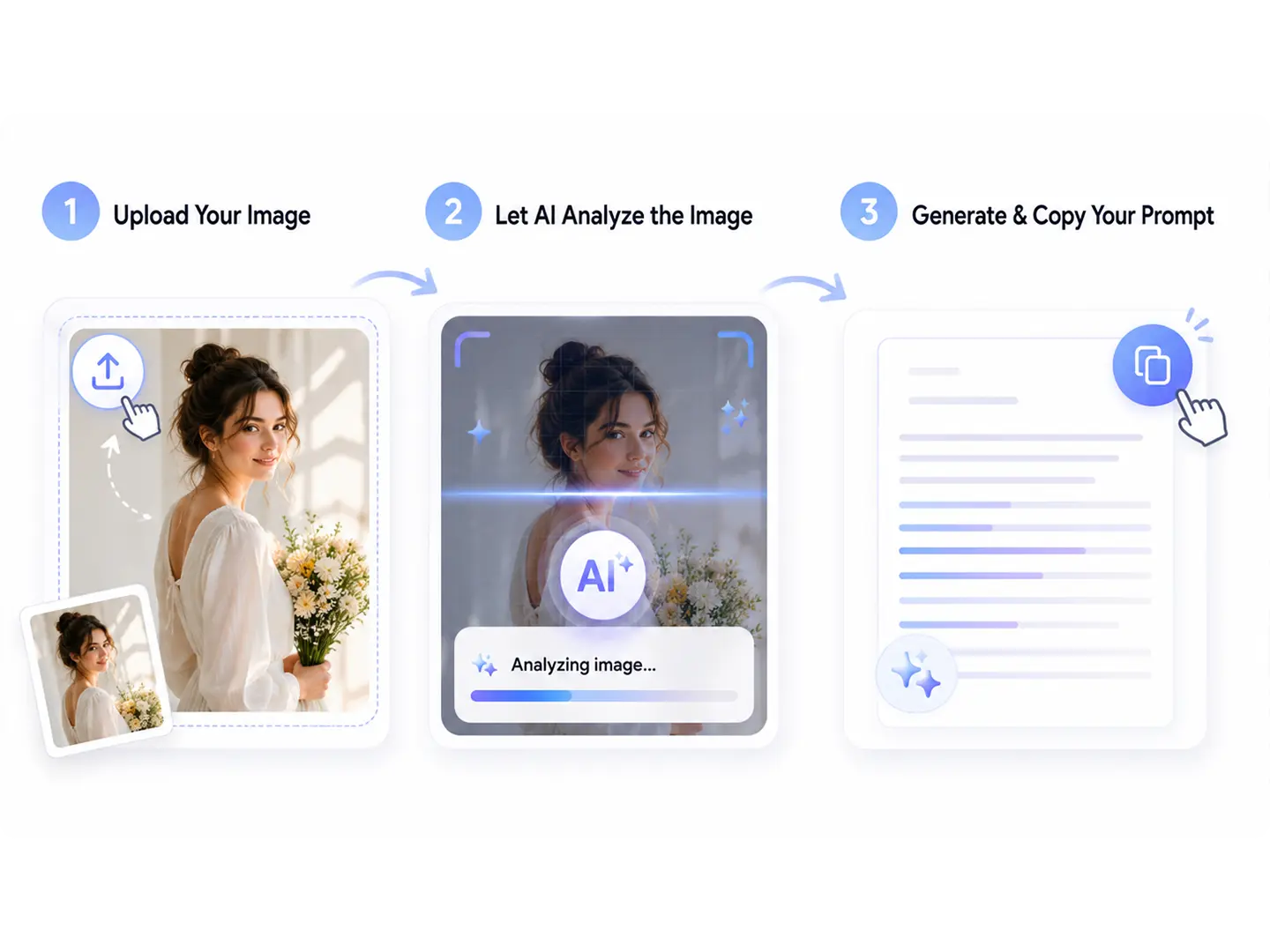
Upload Your Image
Choose a clear image from your device and upload it to the tool. Images with visible subjects, clear composition, and useful visual details give the AI more information to analyze.
Let AI Analyze the Image
The AI examines the visual content of your reference, including subject, scene, composition, lighting, colors, atmosphere, mood, and style, then builds a detailed prompt description for you.
Generate & Copy Your Prompt
Generate your prompt, review the result, and copy the text for your creative workflow. Refine specific details before using the prompt in your next AI image generation project.
What Users Say About Our Image to Prompt Generator?
See how creators use image-to-prompt technology to turn visual references into useful starting points for AI image generation and creative projects.
Sofia R.
Digital Artist
"I use this tool to study styles I like. Uploading a reference photo and getting back structured keywords taught me more about prompt writing than any tutorial, and the generated prompts gave me a much better starting point than describing the image from scratch."
Daniel K.
Content Creator
"I make social visuals and thumbnails every week, and describing the look I want used to eat up half my time. It turns a trending reference into a solid prompt in seconds, so I can move straight to generating."
Priya N.
Brand Designer
"I review visual references constantly in my design work. It breaks down the creative choices in an image, so I can quickly capture the look I need for the next concept."
Marcus L.
AI Enthusiast
"I was skeptical about reverse engineering prompts, but this tool surprised me. I uploaded an AI-generated image and got a clean, structured prompt back that matched the look much better than my own attempt."
Sofia R.
Digital Artist
"I use this tool to study styles I like. Uploading a reference photo and getting back structured keywords taught me more about prompt writing than any tutorial, and the generated prompts gave me a much better starting point than describing the image from scratch."
Frequently Asked Questions About Image to Prompt
Learn how an image to prompt generator works, what visual details it can analyze, and how generated prompts can be refined for AI image generation.
Discover More Tools in Deepfake Maker
Turn Any Image Into an AI Prompt
Upload a visual reference and generate a detailed AI prompt in seconds. Explore the subject, style, lighting, composition, and other visual details behind your favorite images, then refine the prompt for your next creative project.